Best Facebook Video Transcript Extractors in 2026
Facebook remains one of the largest video platforms in the world, with billions of hours of video content published every month across personal pages, business profiles, and public groups. For researchers, content marketers, developers, and agencies, being able to extract a readable transcript from a Facebook video is increasingly important. Whether the goal is repurposing content, feeding text into an AI pipeline, conducting sentiment analysis, or building search indexes, the demand for reliable Facebook video transcript extraction has grown considerably heading into 2026.
The challenge is that Facebook does not offer a native, developer-friendly transcript export feature. Users who want to pull transcript data from Facebook videos must rely on third-party tools. Some of these tools are built for individual, manual use. Others are full API products designed for automated, high-volume workflows. The quality, accuracy, and feature sets vary widely across the available options.
This post reviews the best Facebook video transcript extractors available in 2026, covering dedicated APIs, multi-platform tools, and simpler browser-based options. We have evaluated each tool based on accuracy, ease of use, API availability, platform coverage, pricing, and how well the tool fits different use cases.
What Makes a Great Facebook Video Transcript Extractor?
Before comparing specific tools, it helps to define what separates a good transcript extractor from a mediocre one.
Accuracy. Transcript quality depends on both the speech recognition model being used and how the tool handles background noise, accents, and fast speech. Poor transcription accuracy makes the output difficult to use downstream.
Speed. For developers and automation workflows, extraction speed matters. A tool that takes several minutes per video creates a bottleneck. Faster tools with asynchronous processing are preferable at scale.
API availability. Browser-based tools are fine for occasional one-off use. But if you need transcripts at scale or want to integrate extraction into a product, you need a proper API with clean documentation and predictable response formats.
No OAuth requirement. Extracting public video data should not require the end user to connect their own Facebook account. Tools that work without OAuth are simpler to integrate and maintain.
Additional data alongside transcripts. The most useful tools return more than just raw text. Engagement metrics, video metadata, AI summaries, and comment data add significant value when you are building on top of transcript data.
Multi-platform support. Many projects involve content from more than one platform. A tool that handles YouTube, TikTok, Instagram, and Facebook under a single API is more practical than managing multiple integrations.
No-code options. For teams that do not have dedicated developer resources, integration with Zapier, Make, or n8n is a major advantage.
With those criteria in mind, here are the best Facebook video transcript extractors in 2026.
1. SocialKit
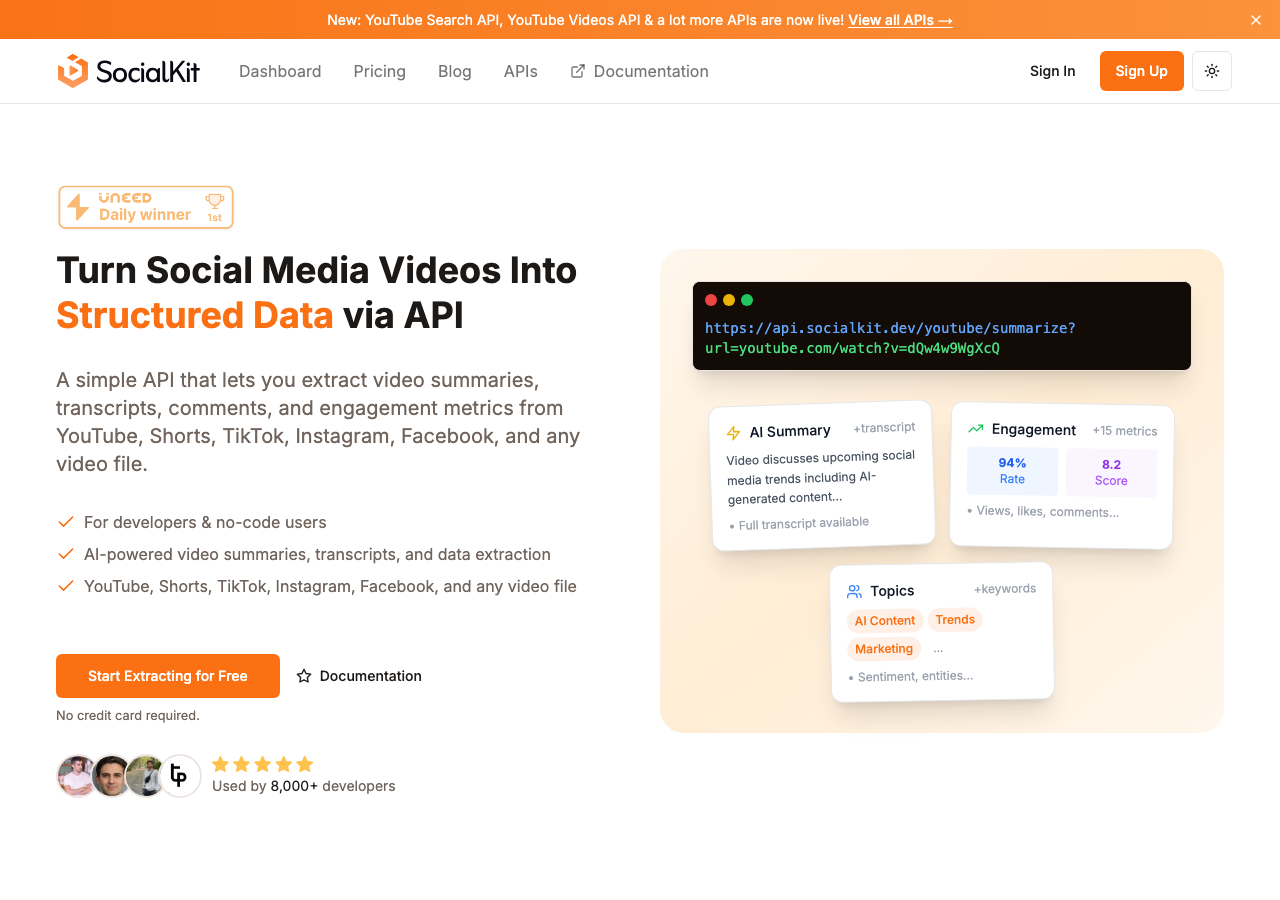
SocialKit is the most complete option for extracting transcripts from Facebook videos, particularly for developers and teams who want structured data from social media videos at scale. It is a social media video data extraction API that converts any video URL into structured output with a single API call. No OAuth is required, and there is no need to connect a social account to get started.
The Facebook transcript API handles the full extraction process automatically. You pass in a Facebook video URL, and the response includes the transcript alongside other structured data: view counts, like counts, comment totals, the video description, and more. This makes it useful not just for transcript extraction but for broader Facebook video data extraction workflows.
One of SocialKit's most useful features is its AI-powered summarization layer. Rather than returning only raw transcript text, SocialKit can also generate a concise summary of the video's content through its Facebook summarizer API. This is particularly valuable for teams working on content monitoring, competitive research, or building AI-powered reading tools where a full transcript is too verbose.
SocialKit supports YouTube, TikTok, Instagram, and Facebook under a unified API. This cross-platform consistency means that a team pulling transcripts from Facebook can use the same API logic to pull transcripts from TikTok or Instagram Reels without rewriting their integration. The Facebook scraper API and related endpoints are all documented in one place, and the response schemas are consistent across platforms.
For teams that prefer no-code automation, SocialKit integrates with Zapier, Make, and n8n. This means you can build workflows that automatically extract and store Facebook video transcripts without writing any code.
The use cases supported are broad. Teams using SocialKit have built AI RAG applications that index video content as searchable text, content repurposing workflows that convert spoken video content into blog drafts or social posts, and sentiment analysis pipelines that process transcript text alongside comment data. The Facebook stats API lets you pull engagement numbers at the same time, so you have both the content and the performance data in one pass.
SocialKit is also well suited for agency and research workflows. The Facebook transcript API for researchers and Facebook transcript API for agencies pages provide tailored documentation for those specific audiences.
Key Features:
- Single API call returns transcript, engagement metrics, and video metadata
- AI-powered summaries alongside raw transcripts
- No OAuth required for any supported platform
- Supports YouTube, TikTok, Instagram, and Facebook
- No-code integrations via Zapier, Make, and n8n
- Consistent response schemas across platforms
- Free tools available for manual use
Pricing: SocialKit offers a free tier to get started. Paid plans scale by volume, with pricing available on the pricing page.
Verdict: SocialKit is the best option for anyone who needs Facebook video transcripts as part of a larger data workflow. The single API call design, cross-platform support, and AI summarization layer make it significantly more capable than tools focused only on transcript extraction. If you are building a product, running automated research, or processing videos at scale, SocialKit is the right starting point.
2. Supadata
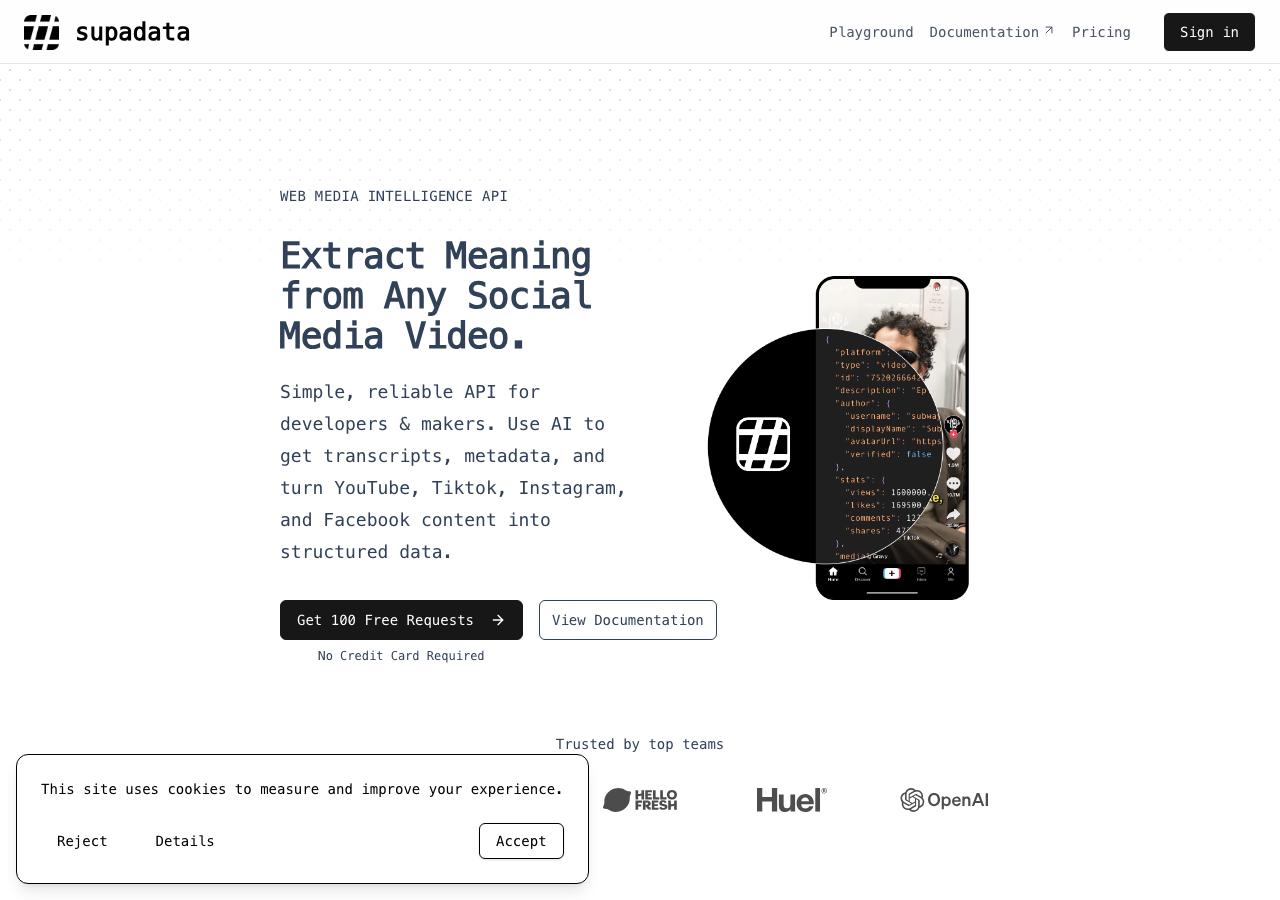
Supadata is an API-first transcript and data extraction service that covers multiple platforms including Facebook. It is designed primarily for developers who want clean, programmatic access to transcript data.
The API is straightforward to use, and the documentation is reasonably clear. Supadata returns transcript text and handles the underlying video processing. It positions itself as a general-purpose transcript extraction layer, which works well for teams that only need the text and do not require metadata or summaries alongside it.
Key Features:
- API-based transcript extraction
- Supports multiple video platforms
- Rate limits vary by plan
Pricing: Plans start at $5/month for 300 credits, with the Pro plan at $17/month for 3,000 credits, Mega at $47/month for 30,000 credits, Giga at $297/month for 300,000 credits, and the Supa plan at $897/month for 1,000,000 credits. Auto-recharge is available on paid plans.
Verdict: Supadata is a reasonable choice for developers who need API-based transcript extraction and do not require AI summaries, engagement metrics, or cross-platform consistency. The credit-based pricing is predictable, though the lower tiers can become limiting for higher-volume use cases.
3. DumplingAI
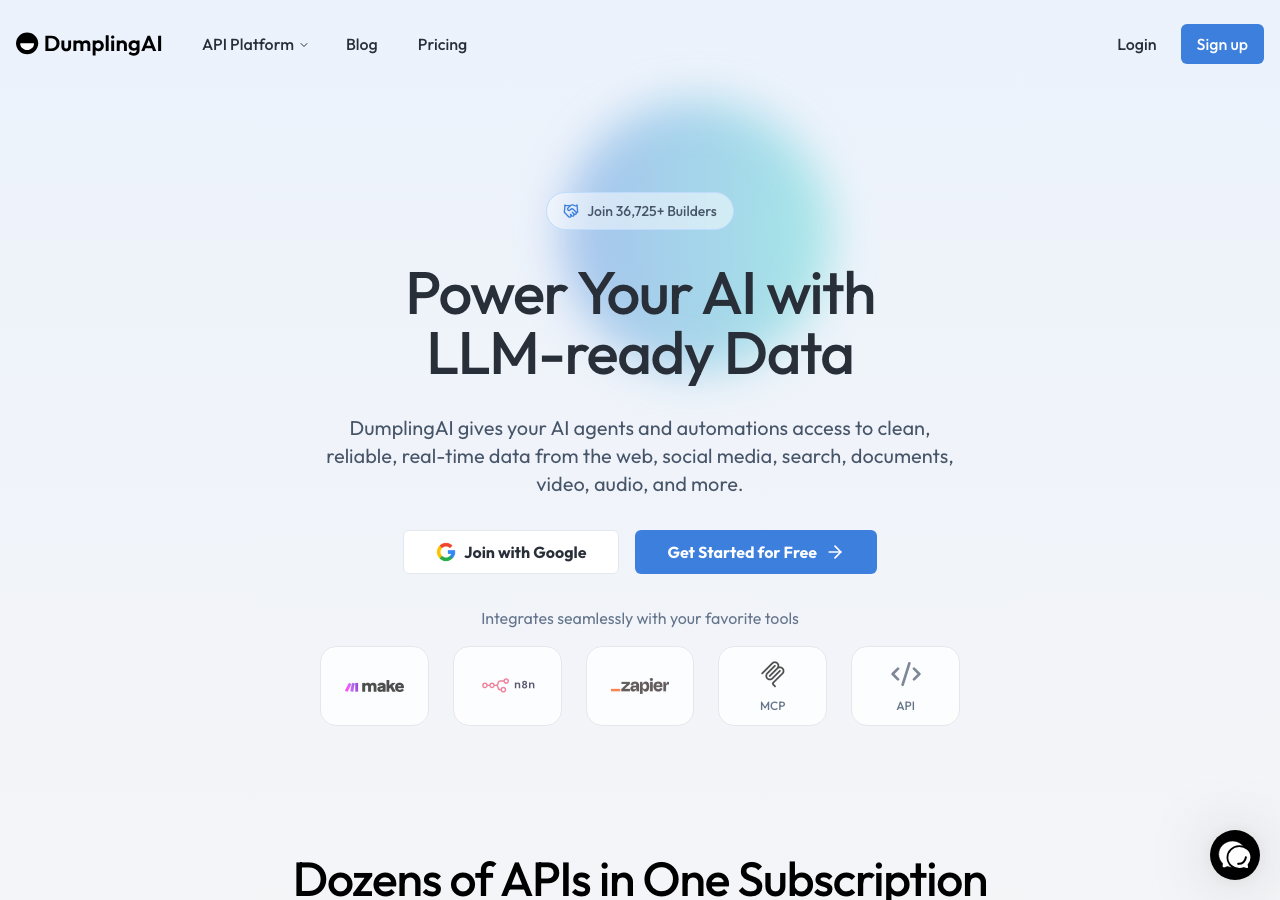
DumplingAI is a broader AI data extraction platform that includes transcript extraction among its features. It supports several social platforms and is positioned as a tool for teams who want to feed video content into AI workflows.
The interface is more polished than a pure API product, and the tool does support Facebook video transcription. DumplingAI leans toward use cases where the transcript is a stepping stone to further AI processing rather than a standalone output.
Key Features:
- Transcript extraction with AI workflow focus
- Supports multiple platforms
- Dashboard-based interface alongside API access
Pricing: Plans are priced at $49/month, $149/month, and $299/month, with a $10 entry-level option also available.
Verdict: DumplingAI is a reasonable fit for teams already working within an AI-focused stack. The pricing is higher than some alternatives for comparable transcript volume, but the platform experience is more integrated. For teams that need transcripts specifically and want the broadest set of supplementary features at the best value, SocialKit remains the stronger choice.
4. ScrapeCreators
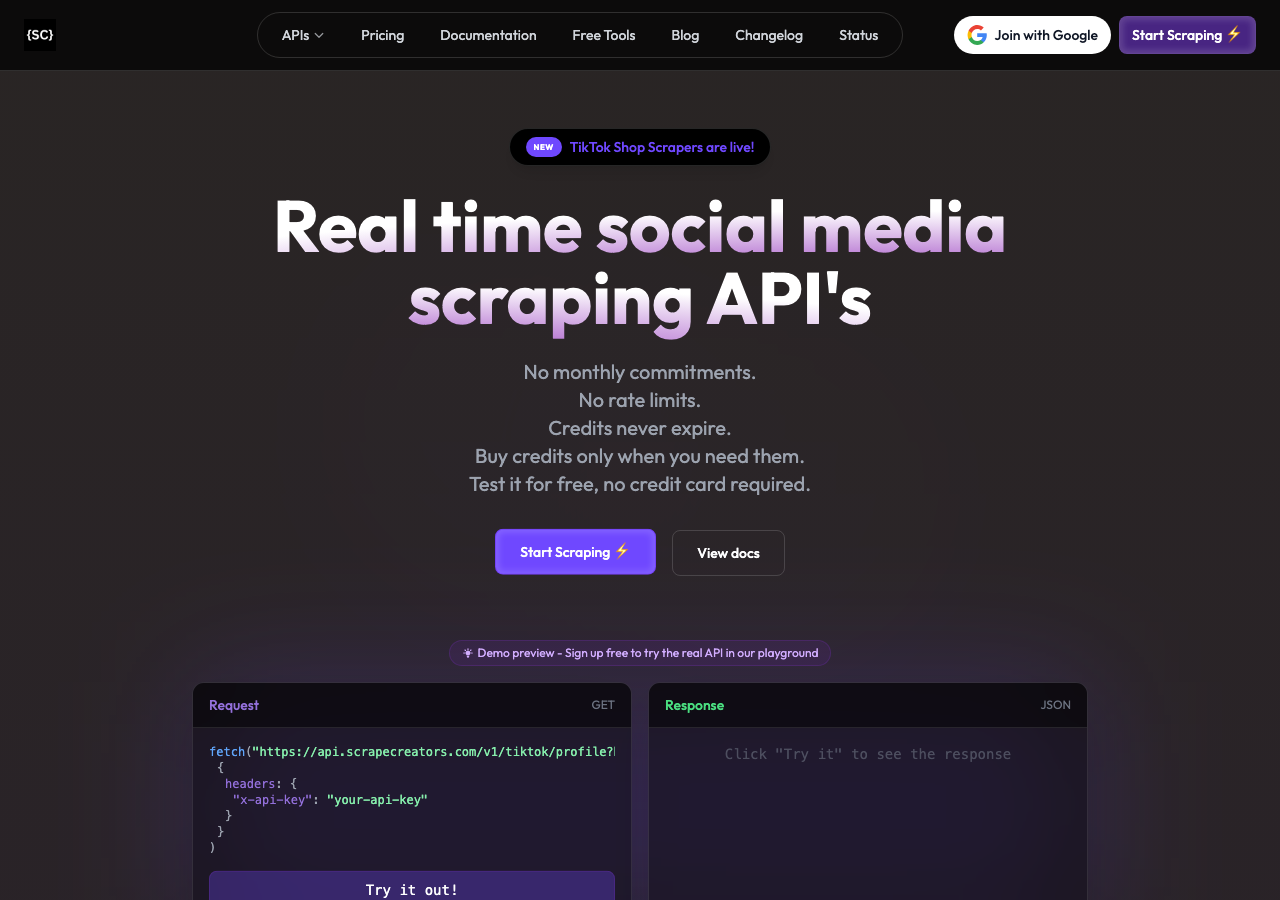
ScrapeCreators is a social media scraping API that includes support for Facebook video data. It covers a range of social platforms and provides structured data extraction through a REST API.
For Facebook specifically, ScrapeCreators can extract video-level data and in some cases transcript content. The tool is more oriented toward scraping engagement data and post details than pure transcript extraction, so transcript availability and quality may depend on the specific video and format.
Key Features:
- Multi-platform social media scraping API
- Structured JSON responses
- Covers Facebook, TikTok, Instagram, and YouTube
Pricing: Pricing information is available on the ScrapeCreators website directly.
Verdict: ScrapeCreators is a solid general-purpose scraping API for social platforms. It is better suited to teams that need engagement data and post details alongside some transcript coverage, rather than teams whose primary need is reliable, high-accuracy transcripts. For transcript-focused workflows, the tools in the top three positions provide more complete coverage.
5. Transcript24
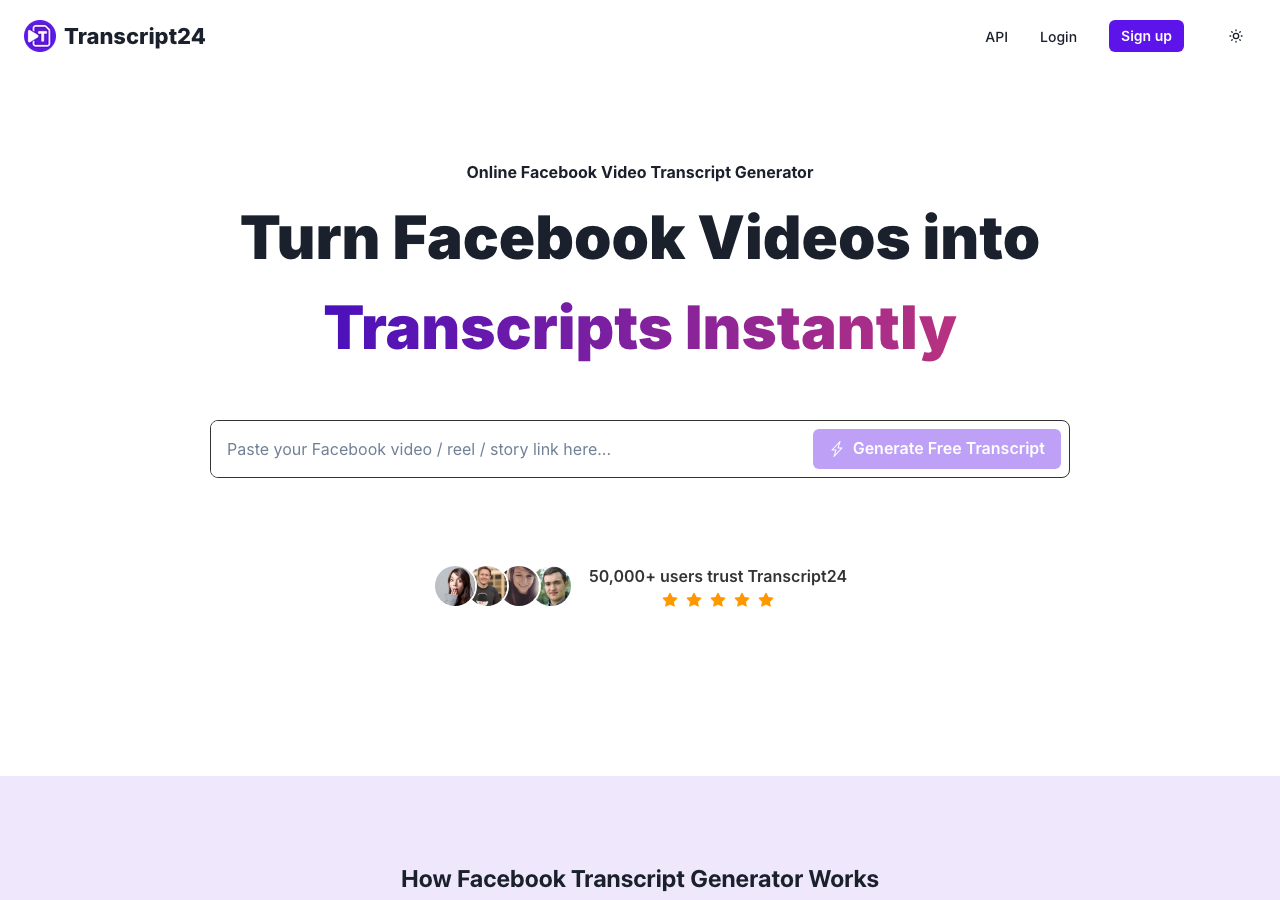
Transcript24 is a free, browser-based transcript extraction tool that includes a Facebook video option. It is designed for individual users who want to paste in a URL and get back a transcript without signing up for an account or paying for access.
The tool is simple to use. You navigate to the Facebook transcript page, enter a video URL, and receive the transcribed text. There is no API, no programmatic access, and no additional data returned. For a one-off transcript need, it gets the job done without friction.
Key Features:
- Free to use
- Browser-based, no account required
- Simple URL-to-transcript workflow
Pricing: Free.
Verdict: Transcript24 is the right choice for someone who needs a single Facebook video transcript quickly and has no interest in automation or scale. It is not suitable for any workflow that requires repeated extractions, integration with other tools, or data beyond the transcript text itself.
6. Screenapp
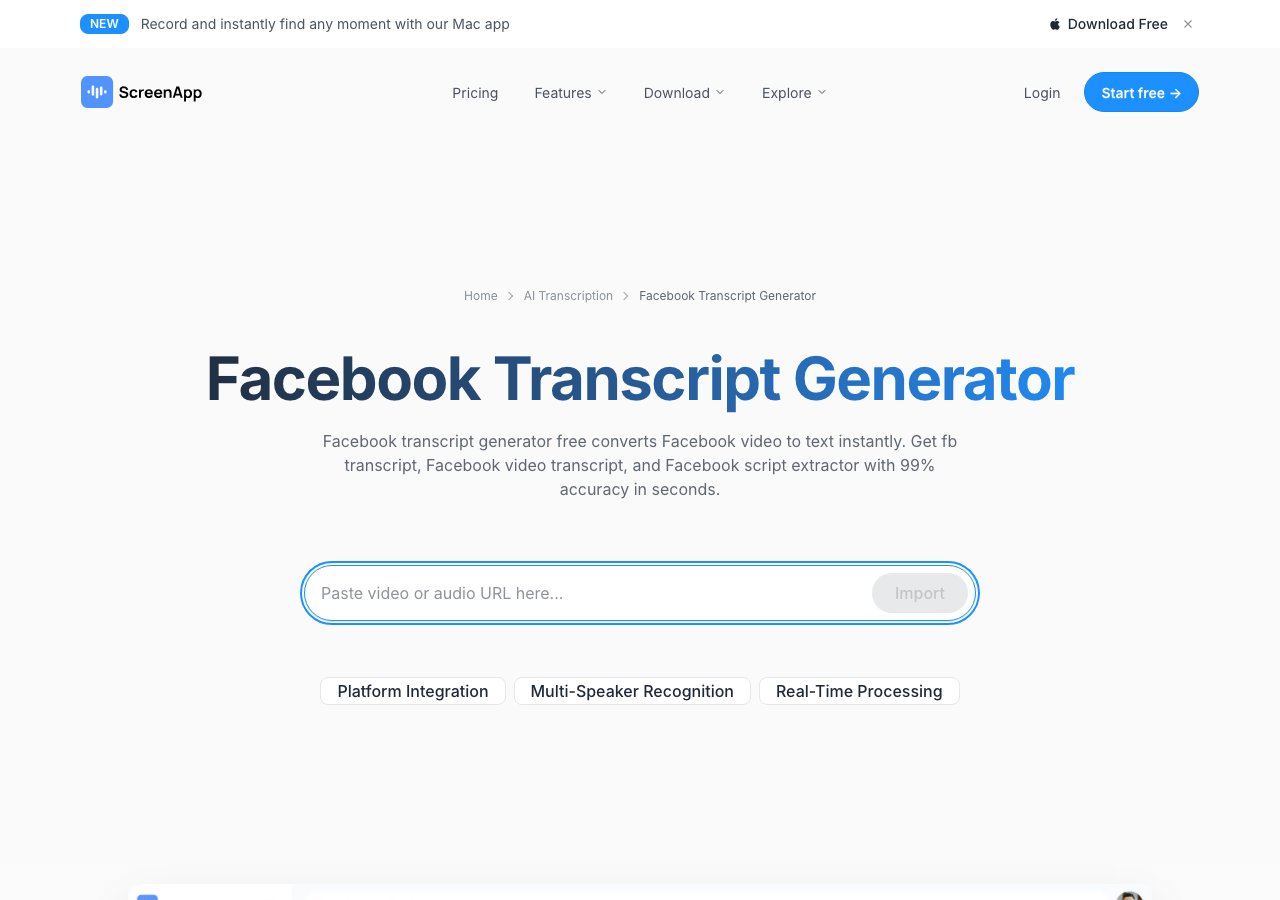
Screenapp is a broader audio and video transcription platform that covers a range of input types, including Facebook video URLs. It is positioned more as a productivity and meeting tool than a social media data extraction product, with features like an AI meeting assistant, lecture note taker, and voice recorder included in the platform.
For Facebook video transcription specifically, Screenapp provides a free entry point with a 7-day trial, after which it moves to a paid plan. The platform includes an AI assistant layer and a video summarizer, which gives it more capability than a pure transcript tool. However, its design is oriented toward individual productivity users rather than developers or teams running automated pipelines.
Key Features:
- AI-powered transcription and summarization
- Supports multiple audio and video input types
- Includes meeting recorder, voice notes, and other productivity tools
- Free trial available
Pricing: Plans vary, with options at $199/month and lower-tier plans available at significantly less. The platform offers a 7-day free trial, with annual billing available at $228/year for some tiers.
Verdict: Screenapp is a reasonable option for individual users who want a broader set of productivity features alongside transcript extraction. It is not designed for API-based automation or high-volume Facebook video processing. Teams that need developer access, clean JSON output, or cross-platform consistency will find it falls short.
Quick Comparison Table
| Tool | API Access | Facebook Transcripts | AI Summaries | Engagement Metrics | No-Code Integrations | Free Tier |
|---|---|---|---|---|---|---|
| SocialKit | Yes | Yes | Yes | Yes | Yes (Zapier, Make, n8n) | Yes |
| Supadata | Yes | Yes | No | No | No | No |
| DumplingAI | Yes | Yes | Partial | No | Limited | No |
| ScrapeCreators | Yes | Partial | No | Yes | No | No |
| Transcript24 | No | Yes | No | No | No | Yes |
| Screenapp | No | Yes | Yes | No | No | Trial only |
Which Should You Choose?
The right tool depends on your specific use case, technical resources, and volume requirements.
If you are a developer building a product or automated pipeline, SocialKit is the clear choice. The Facebook transcript API returns clean, structured data with a single API call, no OAuth is required, and the same API handles YouTube, TikTok, and Instagram alongside Facebook. The AI summary layer and engagement metrics mean you are getting far more value per request than with a pure transcript tool. You can explore the full range of available endpoints on the APIs page.
If you are an agency or research team processing Facebook videos regularly, SocialKit again stands out. The Facebook transcript API for agencies and Facebook transcript API for researchers pages give you documentation and examples aligned with your specific workflows. If you are also working with video data from other platforms, the cross-platform consistency is a significant operational advantage.
If you need no-code automation, SocialKit's integrations with Zapier, Make, and n8n make it the only option in this list that is truly accessible without writing code. You can build a workflow that monitors Facebook pages, extracts transcripts on new videos, and stores the results in a spreadsheet or CRM without a single line of code.
If you occasionally need a one-off transcript and have no technical requirements, Transcript24 is the simplest free option. It requires no account and no payment for basic use.
If you are a productivity-focused individual user who wants meeting notes, voice recordings, and transcript extraction in a single product, Screenapp covers more ground than pure transcript tools, though it is not designed for scale.
If you are an API-first team focused purely on transcript text without needing summaries or engagement data, Supadata is a clean option with predictable credit-based pricing.
For teams thinking about where Facebook transcript extraction fits into a broader social media data strategy, it is worth reading more about how to scrape Facebook video transcripts and how to scrape Facebook video data to understand what is possible and what the technical approaches look like. If you are also processing Facebook page-level data, the Facebook channel stats API can complement transcript extraction with creator-level metrics.
For teams exploring transcript workflows across platforms, the TikTok transcript API, Instagram transcript API, and YouTube transcript API all work consistently within SocialKit's API structure.
Conclusion
Facebook video transcript extraction has become a practical need for a wide range of professionals: researchers indexing video content, marketers repurposing spoken content into written formats, developers building AI-powered tools, and agencies monitoring brand presence across social platforms.
The tools available in 2026 range from free, browser-based options that handle single videos to full API products that process thousands of videos per day with AI summaries and engagement data included. The right choice depends on whether you need a one-time solution or a scalable integration.
For most teams with a meaningful workflow around Facebook video content, SocialKit provides the most complete and developer-friendly solution available. The single API call design, no OAuth requirement, AI-powered summaries, and cross-platform support across YouTube, TikTok, Instagram, and Facebook make it the strongest option for anyone building on top of social media video data.
If you are ready to start extracting Facebook video transcripts programmatically, visit the Facebook transcript API page to review the documentation and get started.