Best YouTube Transcript Extractors and APIs in 2026 (Ranked)
YouTube hosts over 800 million videos, and that number grows by roughly 500 hours of new content every minute. Buried inside all of that video is an enormous amount of spoken language, and for developers, researchers, and content teams, getting that language out in a usable format is increasingly important.
Transcript extraction powers a wide range of workflows. AI teams use transcripts as training data and for retrieval-augmented generation. Researchers analyze spoken content at scale. Content marketers repurpose video scripts into blog posts, newsletters, and social copy. Subtitling and localization teams need raw text before they can begin translating. The use cases are real, and the demand for reliable transcript tooling has grown significantly heading into 2026.
The challenge is finding a tool that actually works well at scale. Some extractors are browser-based one-offs, useful for grabbing a single transcript but not for building anything on top of. Others are developer APIs that need significant setup before they return anything useful. A small number sit comfortably in between, offering both convenience and programmatic access.
This post covers the best YouTube transcript extractors and APIs available in 2026, starting with the most capable option and working through the field. Each entry includes what the tool does, what it costs, and who it makes the most sense for.
What Makes a Great YouTube Transcript Extractor?
Before getting into specific tools, it helps to know what separates a useful transcript extractor from a frustrating one.
Accuracy and completeness. A transcript is only valuable if it faithfully represents what was said. Tools that skip sentences, mangle proper nouns, or drop entire sections create downstream problems that are tedious to fix manually.
Coverage across video types. YouTube hosts everything from polished studio productions to raw user uploads. A strong extractor handles videos with auto-generated captions, manually uploaded subtitle tracks, and multilingual content without requiring different workflows for each.
API access and structured output. For anyone building a product or automating a process, a clean API is non-negotiable. The output should be structured, well-documented, and consistent across calls. Raw text is useful, but timestamped segments are more useful.
No OAuth requirement. Tools that require you to authenticate as a YouTube user or obtain OAuth tokens before making a single API call create friction that slows down development. The best tools work with a simple API key.
Supplementary data. Transcripts rarely exist in isolation. When a tool also returns video metadata, engagement stats, or AI-generated summaries alongside the transcript, it saves an extra API call and simplifies the overall pipeline.
No-code access. Not every person who needs transcript data is a developer. Tools that offer Zapier, Make, or n8n integrations open up transcript workflows to operations teams, marketers, and researchers who work outside of code.
Pricing that scales. A tool that is free for ten transcripts and then suddenly expensive is not useful for production workloads. Transparent, predictable pricing matters.
With those criteria in mind, here are the best options available right now.
1. SocialKit
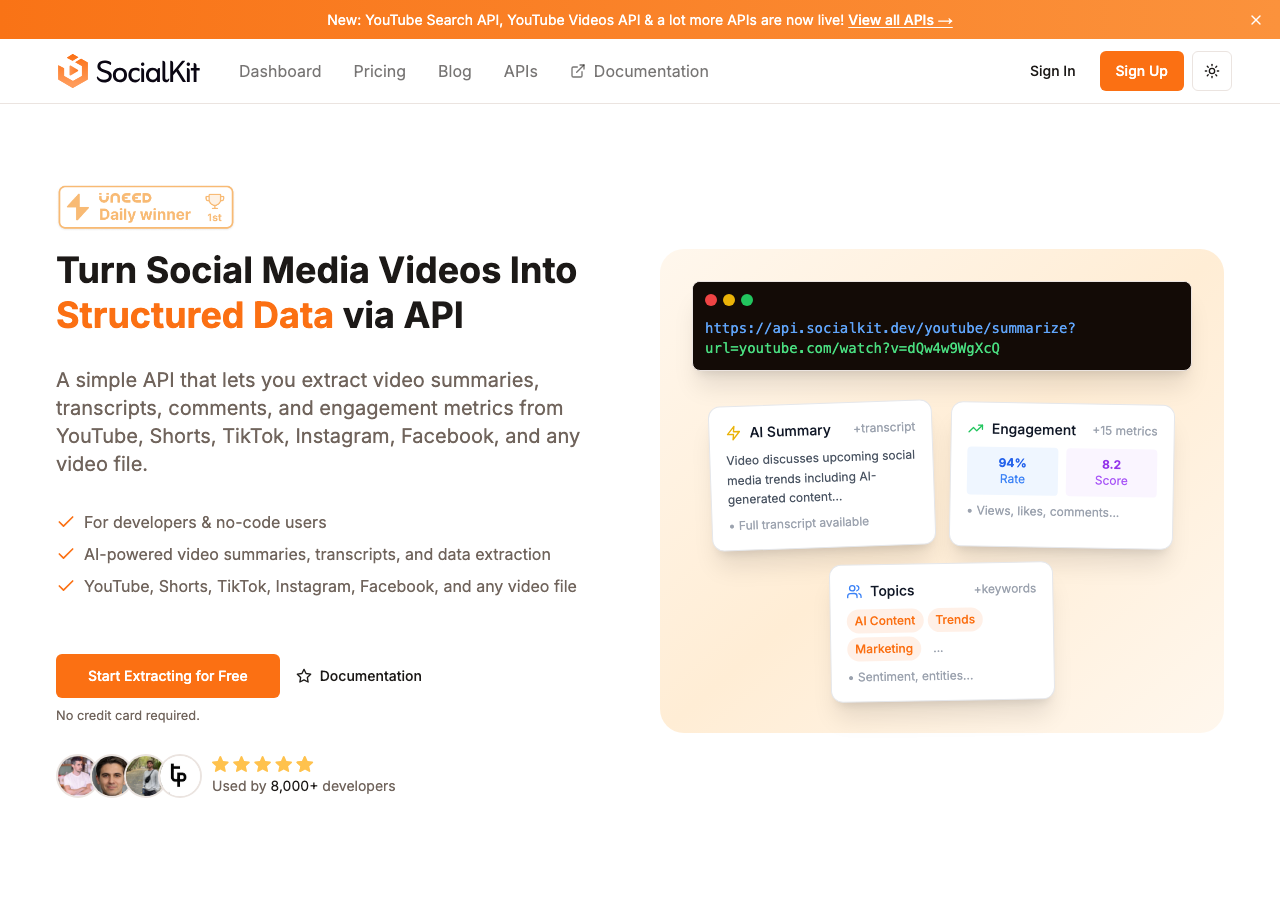
SocialKit is a social media video data API that extracts structured data from YouTube, TikTok, Instagram, and Facebook with a single API call. Its YouTube transcript API is one of the most complete transcript endpoints available, returning not just the raw spoken text but also timestamped segments, video metadata, engagement metrics, and AI-generated summaries in the same response.
The core differentiator is that SocialKit requires no OAuth and no platform authentication. You pass a video URL and your API key, and you get back everything you need. There is no token management, no callback setup, and no platform approval process to navigate. For developers who want to move quickly, this matters.
The transcript output includes full text with word-level timestamps, which makes it suitable for use cases like subtitle generation, searchable video archives, and AI RAG applications where precise grounding of text to timestamps is important. The AI summary that comes back alongside the transcript means you can offer readers or users a condensed version of a video without a separate processing step.
SocialKit also covers platform breadth that most transcript tools do not. The same API key and endpoint pattern that works for YouTube works for TikTok transcripts, Instagram Reels transcripts, and Facebook video transcripts. If your workflow ever expands beyond YouTube, you do not need to find a new vendor.
For teams that do not write code, SocialKit offers native integrations with Zapier, Make, and n8n. This means a content marketer can build a workflow that automatically extracts a transcript whenever a new video is added to a YouTube channel, without writing a single line of code.
The YouTube transcript extractor free tool on the SocialKit site is also worth noting. It lets you paste any YouTube URL and get a formatted transcript immediately, which is useful for one-off lookups or for evaluating the quality of the output before committing to an API plan.
Related tools available through SocialKit include the YouTube summarizer API, the YouTube comments API, and the YouTube channel stats API. Together, these cover the full surface area of YouTube data that most applications need. The YouTube Shorts transcript API handles short-form content specifically, which matters as Shorts continues to grow as a format.
For content teams focused on content repurposing, SocialKit's transcript output is well-suited to feeding directly into writing tools or LLMs. For researchers doing market research or sentiment analysis, the structured data format means less preprocessing before analysis begins.
Key features:
- Single API call returns transcript, metadata, engagement stats, and AI summary
- No OAuth required, works with any YouTube URL
- Timestamped transcript segments
- Covers YouTube, TikTok, Instagram, and Facebook
- No-code integrations via Zapier, Make, and n8n
- Free transcript extractor tool available
- YouTube Shorts support included
Pricing: SocialKit offers a free tier for getting started, with paid plans that scale based on usage volume. See the pricing page for current details.
Verdict: SocialKit is the strongest all-around option for teams that need reliable YouTube transcript extraction with minimal setup. The single-call approach, the absence of OAuth requirements, and the supplementary data in each response make it the most practical choice for both developers building applications and non-technical users building automations.
2. Supadata
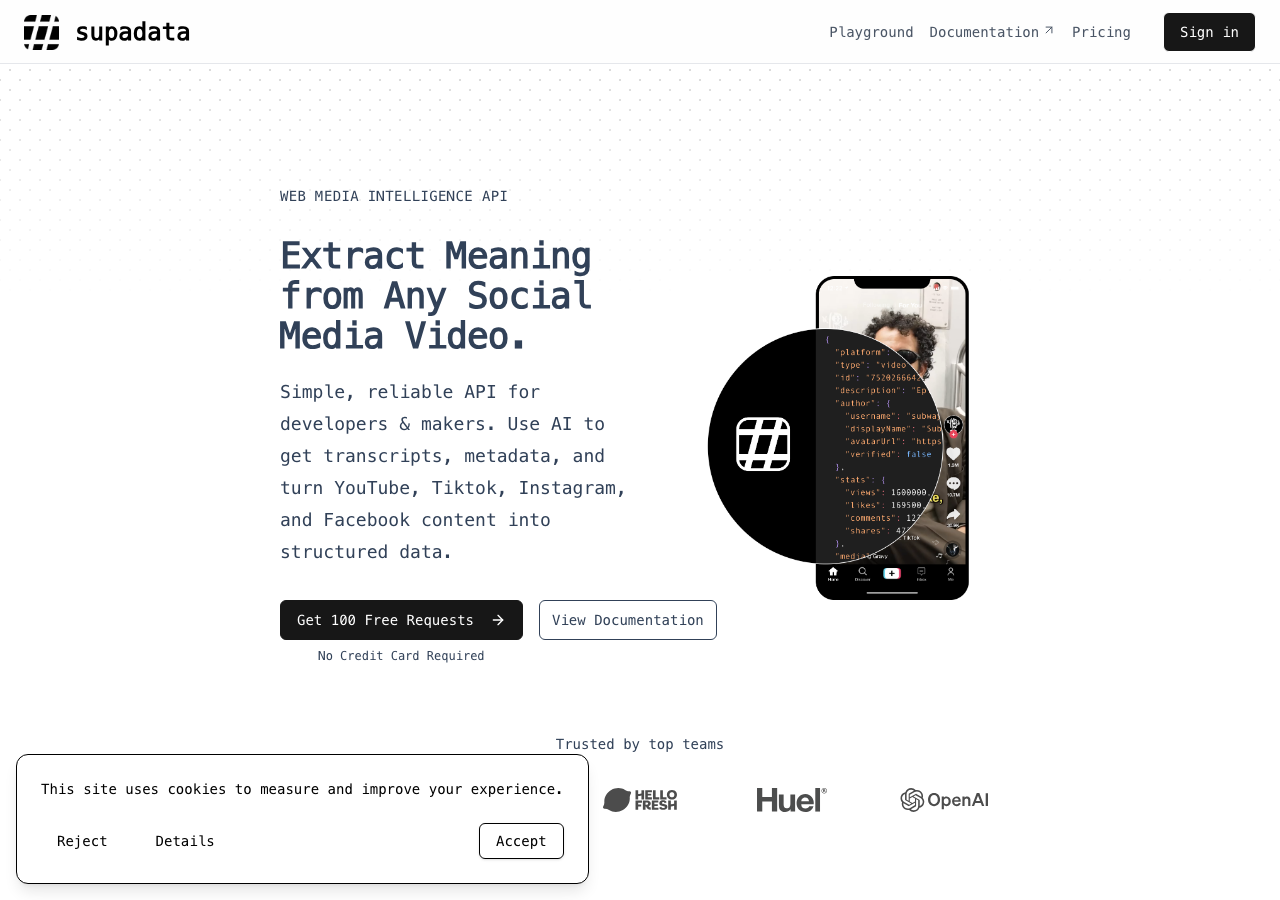
Supadata is a data API that includes a YouTube transcript endpoint among its offerings. It targets developers looking for a lightweight way to pull transcripts programmatically, and its documentation is reasonably clear for getting started quickly.
The transcript response includes text and timestamps, which covers the basic requirements for most use cases. The API uses an API key for authentication, which keeps the setup simple. Rate limits vary by plan, starting at 10 requests per second on the lower tiers and scaling up to 100 per second on the highest plans.
Where Supadata falls short compared to SocialKit is in the depth of the response. The transcript is the primary output, without the additional metadata, engagement stats, or AI summaries that SocialKit bundles into a single call. For teams that only need raw transcript text, this is fine. For teams building richer applications, it means additional API calls to other services to fill the gaps.
Supadata also does not have the same multi-platform coverage. If your workflows ever need to move to TikTok or Instagram, you would need a different tool.
Key features:
- Clean transcript API with timestamps
- API key authentication
- Tiered rate limits depending on plan
Pricing: Plans range from $5/month for 300 credits to $897/month for 1,000,000 credits. Auto-recharge is available on Pro and above. The per-credit cost works out to approximately $10 per 1,000 on lower tiers, dropping on higher volume plans.
Verdict: A functional option for developers who specifically need transcripts and nothing else. The pricing is accessible at lower volumes, but the lack of supplementary data and limited platform coverage make it a narrower tool than SocialKit.
3. ScrapeCreators
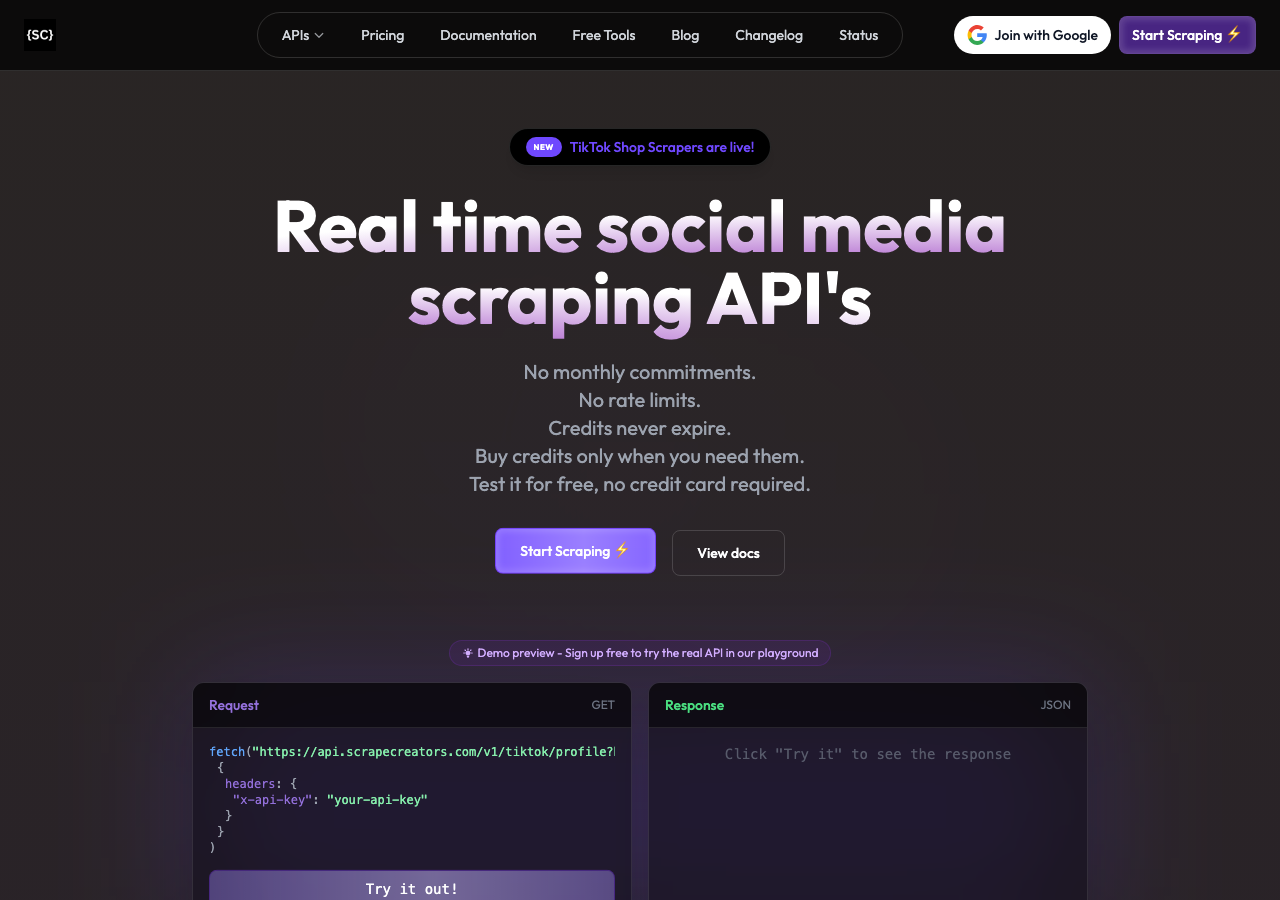
ScrapeCreators is a social media data API with endpoints covering several platforms including YouTube. Its YouTube transcript functionality is part of a broader data extraction suite that also includes video metadata and channel information.
The API is developer-focused and returns structured JSON responses. For teams already using ScrapeCreators for other social data, adding transcript extraction to the same integration is convenient. The documentation covers the available parameters and response fields in reasonable detail.
The gap between ScrapeCreators and SocialKit comes down to the overall product depth and the no-code accessibility. ScrapeCreators is built primarily for developers, which means teams without technical resources are largely excluded. There is no documented no-code integration path comparable to SocialKit's Zapier, Make, or n8n support.
The response data also does not include AI-generated summaries, which means any summarization has to happen downstream with a separate service.
Key features:
- YouTube transcript endpoint within a broader social API
- Structured JSON output
- Developer-focused documentation
Pricing: Pricing details vary by plan and usage volume. Check ScrapeCreators directly for current rates.
Verdict: A reasonable choice for developer teams already invested in the ScrapeCreators ecosystem. For teams starting fresh, SocialKit offers more value per API call with less overall integration work.
4. YouTube Transcript (youtubetranscript.com)
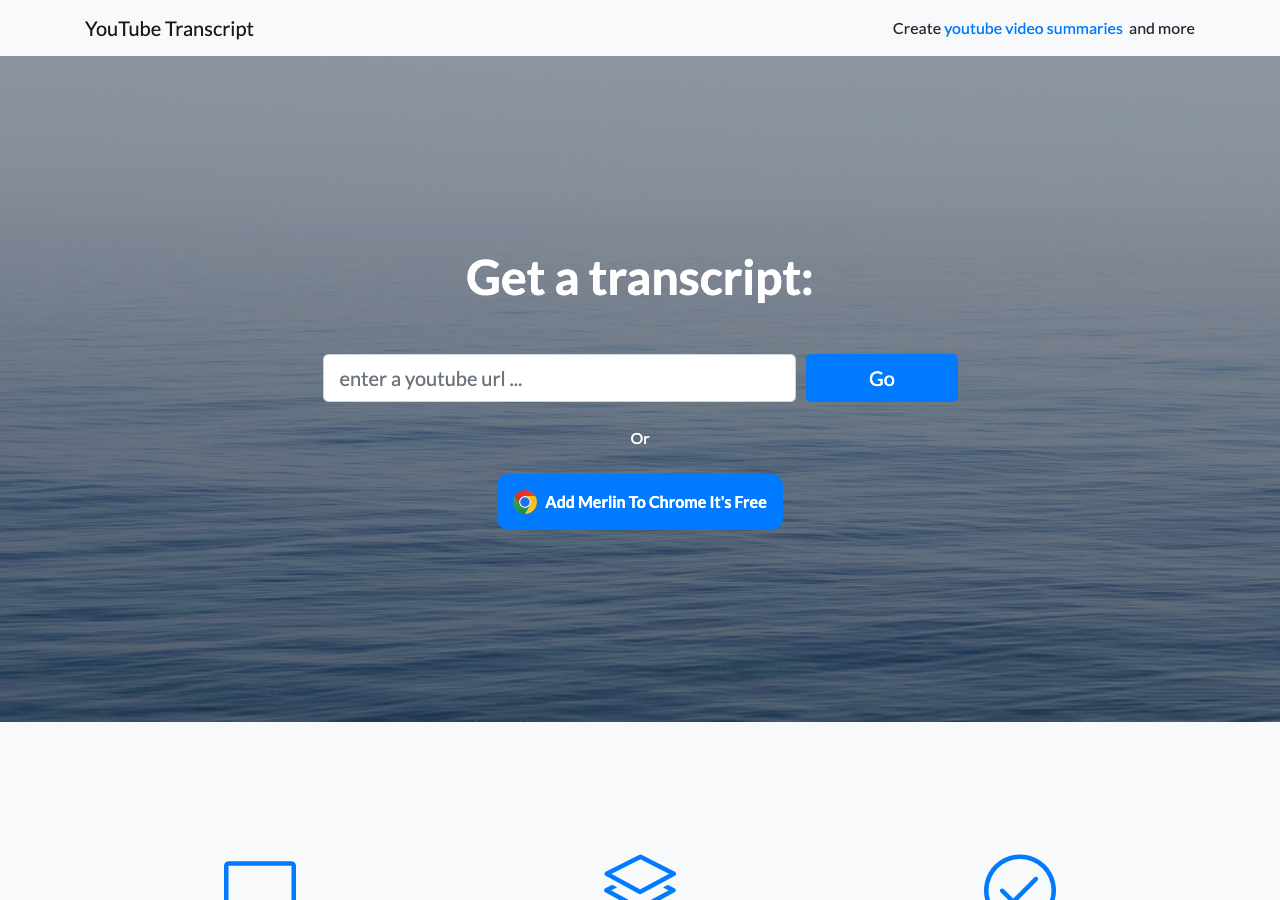
YouTube Transcript is a browser-based tool that lets users paste a YouTube video URL and retrieve the available transcript directly in the browser. It is one of the more widely used free tools for quick, one-off transcript lookups.
The interface is minimal and the workflow is simple: paste a URL, get a transcript. It supports videos that have auto-generated captions as well as manually uploaded subtitle tracks, and it can display transcripts in multiple languages when alternate language tracks are available.
The significant limitation is that YouTube Transcript is not an API. It is a website. There is no programmatic access, no structured JSON output, and no way to integrate it into an automated workflow. For a developer building an application or a content team processing dozens of videos per week, it breaks down quickly.
The tool is also single-platform. It handles YouTube only, with no support for TikTok, Instagram, or Facebook.
For a single researcher grabbing one transcript to read through manually, it works fine. For anything beyond that, it is the wrong tool.
Key features:
- Browser-based interface, no signup required
- Supports multiple language tracks
- Works with auto-generated captions
Pricing: Free.
Verdict: Useful for a quick one-off lookup when you need to read through a transcript manually. Not suitable for automation, application development, or any workflow that involves more than a handful of videos.
5. DumplingAI
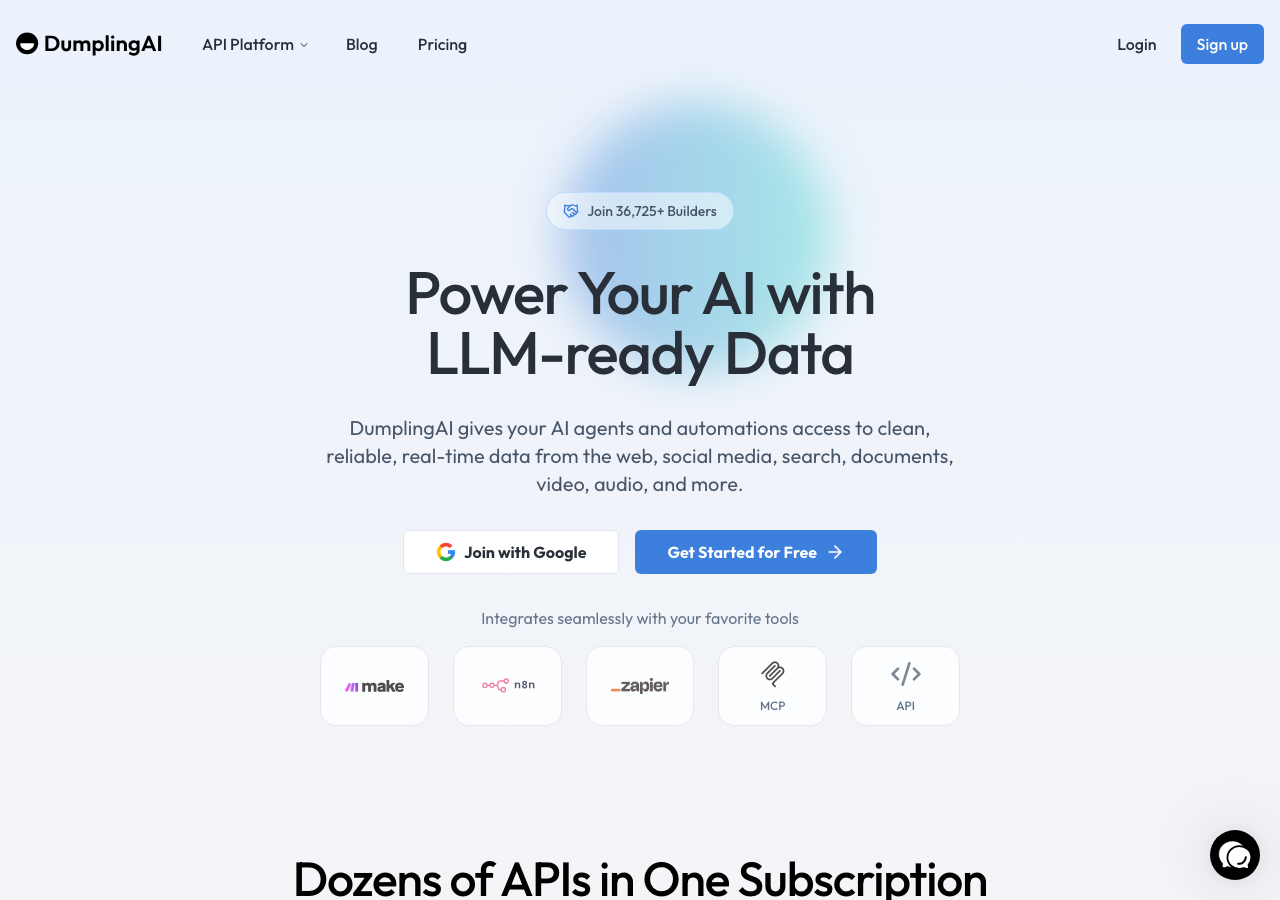
DumplingAI is an AI-focused data extraction platform with support for YouTube transcripts among its capabilities. It positions itself toward AI developers and teams building LLM-powered applications, with features like document processing and web data extraction alongside video transcript access.
The YouTube transcript endpoint returns text that can be fed directly into AI pipelines. For teams working in AI contexts specifically, the product framing aligns well with the use case.
The pricing is positioned at the higher end compared to alternatives. Plans start at $49/month and step up to $149/month and $299/month, with an entry-level option at $10. For teams that only need transcript extraction without the broader AI data platform features, this pricing structure means paying for capabilities they may not use.
DumplingAI also does not have the same no-code integration footprint as SocialKit, which limits its accessibility for non-developer users.
Key features:
- YouTube transcript extraction within a broader AI data platform
- Designed for LLM and AI pipeline use cases
- Document and web data extraction also available
Pricing: $10 entry level, then $49/month, $149/month, and $299/month depending on plan features and volume.
Verdict: A reasonable fit for AI teams who want a bundled data platform and are already paying for the broader feature set. For pure transcript extraction, the pricing is steep relative to the value delivered, and SocialKit offers comparable AI-ready output at a more accessible price point.
6. Opus (OpusClip)
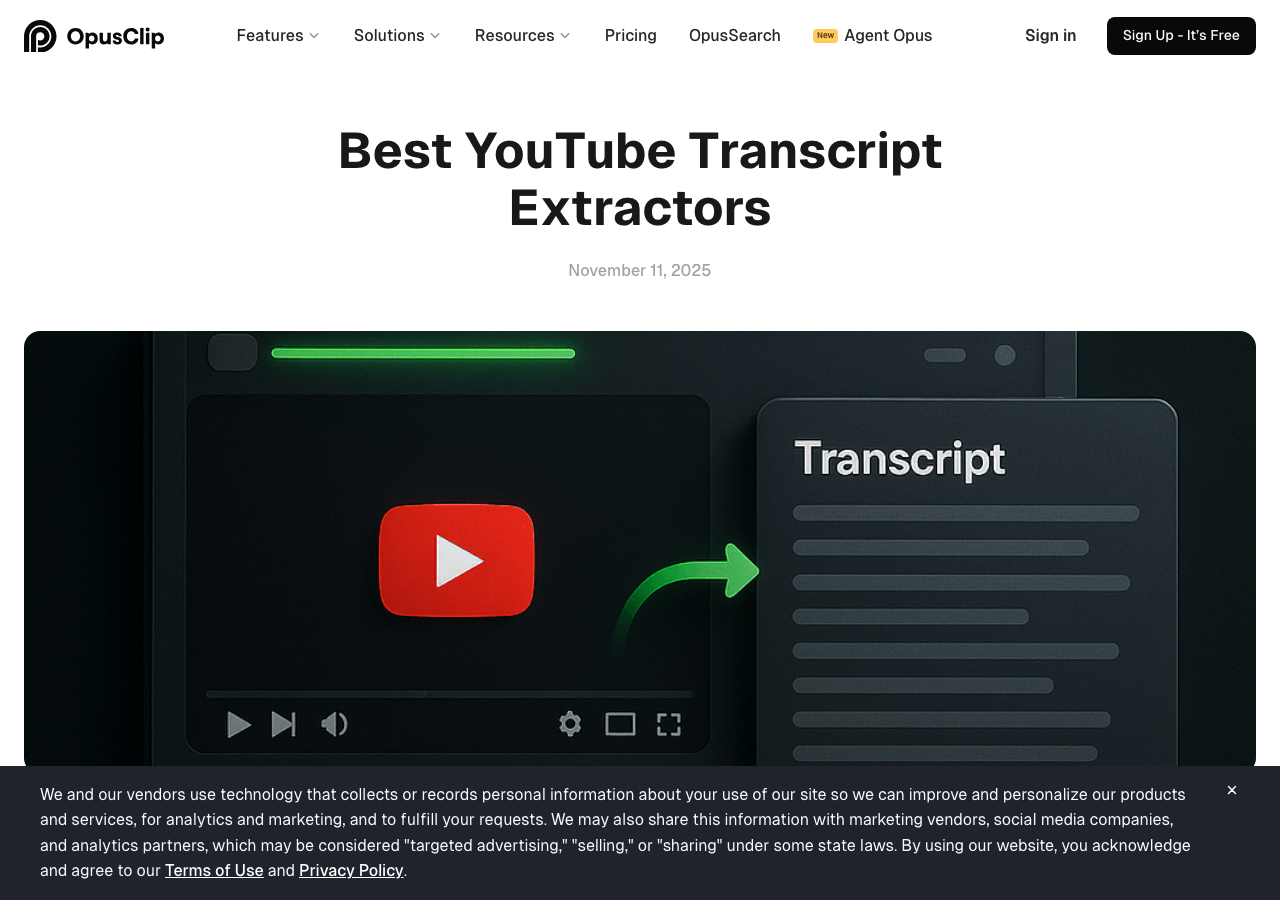
OpusClip is a video repurposing tool that uses AI to generate short clips from longer videos. Transcript extraction is part of its internal processing pipeline, and users can access the transcript of a video they upload or link to within the platform.
The product is primarily designed for content creators who want to repurpose long-form video into short clips for social media. The transcript is a means to that end, not a primary output that the product is built around.
For developers or teams that want transcript data programmatically, OpusClip is not the right tool. It does not offer a transcript API, and there is no structured output format for transcripts that can be consumed by other applications. Everything lives within the OpusClip interface.
That said, for content creators who want to turn a YouTube video into several short clips and incidentally need to see what was said, OpusClip does the job. It is just not a transcript extraction tool in the traditional sense.
Key features:
- AI-generated short clips from long-form video
- Transcript visible within the platform during clip creation
- Free tier available
Pricing: Free tier available at $0/month. Paid plans start at $15/month (or $14.50/month billed annually) and go up to $29/month for higher usage.
Verdict: A good product for content creators focused on video repurposing, but not a transcript extractor in any meaningful sense for developers or researchers. If transcript data is the goal, look elsewhere.
Quick Comparison Table
| Tool | API Access | No OAuth | AI Summary | Multi-Platform | No-Code Integrations | Free Tier |
|---|---|---|---|---|---|---|
| SocialKit | Yes | Yes | Yes | Yes (YT, TT, IG, FB) | Yes | Yes |
| Supadata | Yes | Yes | No | No | No | No |
| ScrapeCreators | Yes | Yes | No | Partial | No | No |
| YouTube Transcript | No | N/A | No | No | No | Yes |
| DumplingAI | Yes | Yes | Partial | No | No | Limited |
| OpusClip | No | N/A | No | No | No | Yes |
Which Should You Choose?
The right tool depends on what you are actually trying to accomplish.
If you are a developer building an application, SocialKit is the clearest choice. The single API call that returns a transcript alongside metadata, engagement data, and an AI summary means you are building with a richer dataset from the start. The absence of OAuth requirements means you can go from API key to working integration in under an hour. If you also need data from TikTok, Instagram, or Facebook, you do not need to find another vendor.
If you only need raw transcript text and nothing else, Supadata is a workable alternative at lower price points. It is a narrower product, but it does what it says. The tradeoff is that you will need additional integrations to get metadata or summaries.
If you are already using ScrapeCreators for other social data, extending that integration to transcripts is convenient. Just be aware that the product does not offer AI summaries or no-code integrations.
If you need a one-off transcript for personal use and do not want to sign up for anything, YouTube Transcript the website is fine. Paste a URL, get your text, move on. Do not try to scale this.
If you are an AI developer who wants a bundled data platform, DumplingAI covers more ground than just transcripts, which may justify the higher price. But if transcripts are your primary need, SocialKit delivers comparable AI-ready output at lower cost.
If you are a content creator focused on video repurposing, OpusClip is worth exploring for its clip generation features, but do not expect it to function as a transcript extraction tool for development or research purposes.
Conclusion
YouTube transcript extraction has matured from a niche developer task into a core capability for a wide range of teams. Researchers, content marketers, AI developers, and operations teams all have legitimate reasons to need transcript data at scale, and the tools available in 2026 cover that demand in meaningfully different ways.
For most use cases, SocialKit is the strongest starting point. It handles YouTube, TikTok, Instagram, and Facebook through a single API, requires no OAuth, and returns transcripts alongside metadata and AI summaries in one call. Whether you are a developer building a content intelligence product, a researcher analyzing spoken content at scale, or a marketer building an automated repurposing workflow, SocialKit gives you more per API call than any other tool on this list.
You can explore the YouTube transcript API documentation, try the free YouTube transcript extractor tool with any video URL, or check the pricing page to find a plan that fits your volume.