How to View TikTok Comments Without an Account (2026 Guide)
TikTok comments are often more interesting than the video itself. Product feedback, trending slang, audience reactions, community drama. The comment section is where the real signal lives.
The problem is that TikTok keeps pushing users to log in before they can browse freely. On mobile web it's aggressive about it. The app requires an account for most interactions. For researchers, marketers, or people who just don't want to hand over personal information, this is annoying.
Good news: public TikTok video data is still accessible without an account. The login wall is more of a UX gate than a hard technical block. You just need the right tool to get around it.
What You'll Be Able to Do
- View comments on any public TikTok video without logging in
- Use a free browser tool to pull comments instantly
- Access comments via API for bulk or automated workflows
- Understand when each method works and when it doesn't
Why TikTok Makes This Hard
TikTok used to show comment sections freely to anyone visiting a video URL. Over the past couple of years, they've added login prompts that interrupt browsing, especially on mobile web.
The reasons are predictable. Engagement metrics improve with logged-in users. Ad targeting works better. Platforms want to know who's consuming their content.
But for public videos, the underlying data is still there. Tools that work around this either call TikTok's internal APIs directly without a user session, or use browser automation to grab the data before the login prompt fires.
Step 1: Use the Free TikTok Comment Viewer
The fastest way. No account needed on either TikTok or SocialKit.
Open the TikTok comment viewer and paste any public TikTok video URL. The URL looks like https://www.tiktok.com/@username/video/1234567890123456789. Short vm.tiktok.com share links work too.
Click fetch. You get back a list of comments with usernames, comment text, like counts, and timestamps. Scroll through them right in the browser.
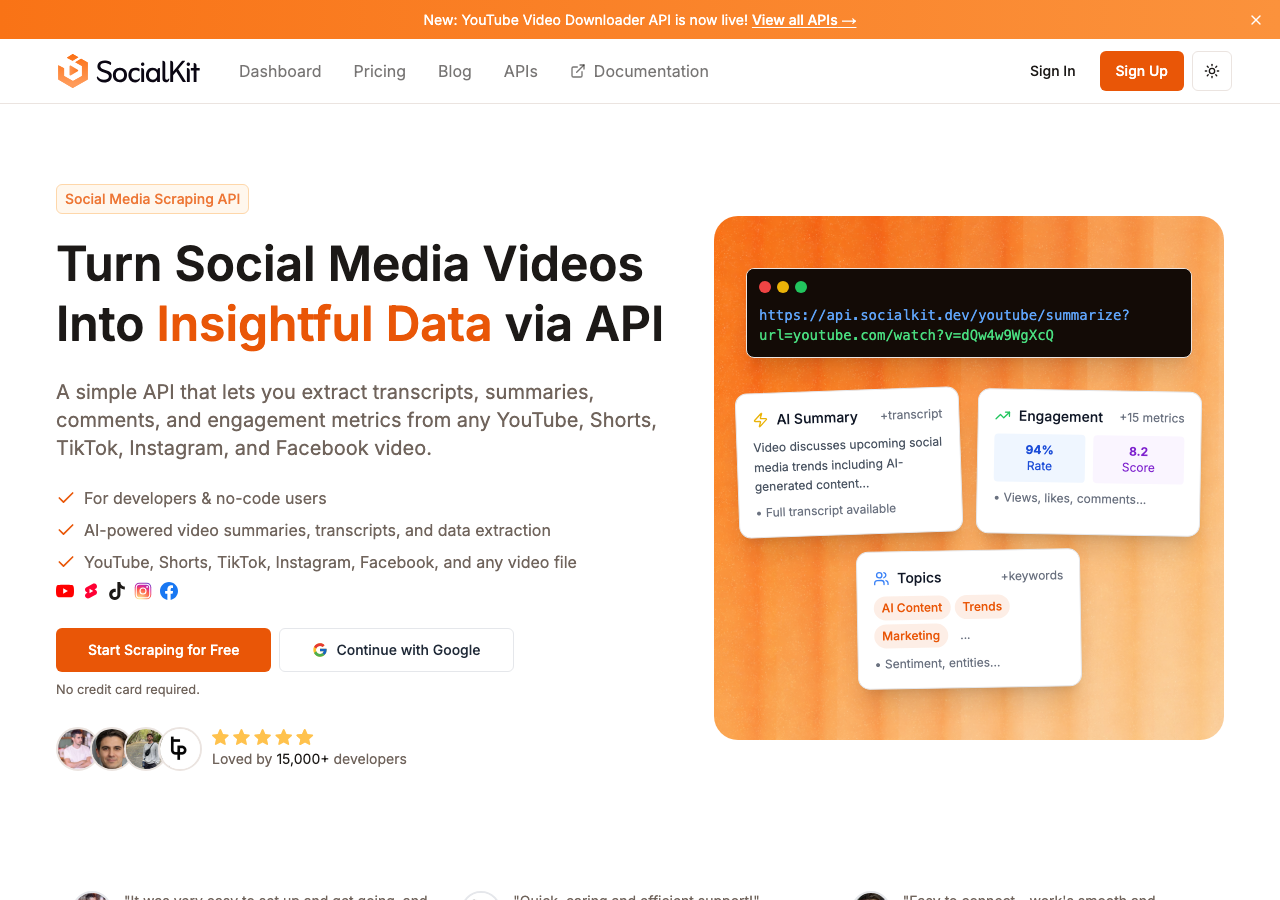
Works for any public video. Private accounts and age-restricted content won't return results, which makes sense since that content isn't publicly accessible.
Step 2: Use the API for Programmatic Access
If you need comments from multiple videos, or you're building something automated, the browser tool won't cut it. The TikTok comments API gives you the same data as a REST endpoint.
Sign up at socialkit.dev, grab your API key from the dashboard, and make a request:
import requests

video_url = "https://www.tiktok.com/@username/video/1234567890123456789"

response = requests.get(
    "https://api.socialkit.dev/tiktok/comments",
    params={
        "url": video_url,
        "access_key": "YOUR_ACCESS_KEY"
    }
)

data = response.json()

for comment in data["data"]["comments"]:
    print(comment["username"], comment["text"], comment["likes"])
No OAuth. No TikTok developer account. No approval process. URL in, JSON out.
Each comment includes the username, full text, like count, timestamp, and reply count. That's enough for most research and analysis use cases.
You can combine this with other SocialKit endpoints for a fuller picture. The TikTok stats API gets you view counts and engagement metrics. The TikTok transcript API extracts the spoken text. The TikTok summarizer API gives you an AI summary alongside engagement data. Same API structure for all of them, and same patterns work for YouTube, Instagram, and Facebook too.
Step 3: No-Code Workflow
SocialKit connects with Zapier, Make, and n8n. A typical setup:
- New row in Google Sheet with a TikTok video URL (trigger)
- SocialKit pulls comments for that URL
- Comments get written to another sheet, a Notion database, or a Slack channel
Social media managers use this to monitor comments on brand-relevant content. Researchers use it to track public reactions to events. Content teams surface top comments from competitor videos for inspiration.
Step 4: Analyze What You Collected
Raw comments are useful. Analyzed comments are more useful.
Sort by likes to find the most resonant reactions. That usually tells you more than reading chronologically.
Feed comments into a sentiment model to classify whether audience reaction is positive, negative, or mixed. The TikTok comments analyzer does basic sentiment and theme analysis right in the browser if you want something quick.
Extract repeated keywords or phrases to understand what viewers actually care about.
Cross-reference comment sentiment with video engagement metrics (views, shares, saves) from the TikTok video data extractor for the full picture.
Alternatives
Supadata
Supadata offers TikTok comment access through their API. The depth of comment data and rate limits on lower tiers are more restrictive than SocialKit. No free browser-based comment viewer, so casual users need to write code.
ScrapeCreators
ScrapeCreators is scraping-focused with TikTok and Instagram coverage. Can return comment data, but the product is optimized more for creator profiles and post metadata. Thinner documentation on the comments side.
DumplingAI
DumplingAI is a general web scraping platform. It can handle TikTok data but comments aren't a first-class feature. You'll need to configure custom scrapers, which adds setup friction compared to a purpose-built endpoint.
None of these offer a free, no-login comment viewer the way SocialKit does.
Mistakes to Avoid
Using private or restricted video URLs. If the account is private, no tool can access the comments. Verify the video is public before troubleshooting.
Confusing short URLs with full URLs. TikTok's vm.tiktok.com share links usually work, but if you get an error, open the short URL in a browser first to get the canonical link.
Expecting comments from deleted videos. If TikTok removed or suppressed a video, the comments go with it.
Not paginating. Popular videos can have hundreds of thousands of comments. The API returns them in pages. If you only grab the first page, you're missing most of the data. Loop through using the cursor field until there's nothing left.
Ignoring Unicode. TikTok comments are full of emoji and non-Latin characters. Make sure your storage and processing handle UTF-8 properly, or you'll get garbled text.
Assuming comment counts are exact. TikTok removes comments, and the count on the video page doesn't always match what you can actually retrieve. This is normal. Your pipeline isn't broken.
Before You Start: Checklist
- Video is publicly accessible (not private, not age-restricted)
- You have the correct video URL (full or short format)
- For quick lookups: tested the free TikTok comment viewer
- For API access: SocialKit account created, API key tested
- For automation: connected to Zapier, Make, or n8n
- Pagination implemented for high-volume videos
- UTF-8 encoding handled in your pipeline
- Clear plan for what to do with the comments (sentiment analysis, keyword extraction, storage)
The free tools page lists all available no-login tools across YouTube, TikTok, Instagram, and Facebook. The full APIs overview covers every endpoint with code examples.
You don't need a TikTok account to read public comments. The free viewer handles quick lookups, the API handles scale, and the no-code integrations handle everything in between.