How to Automate Social Media Video to Text Conversion at Scale
Converting social media videos into text is one of those tasks that sounds simple until you try to do it at scale. Pulling a transcript from a single YouTube video by hand takes a few minutes. Doing the same for hundreds of videos across YouTube, TikTok, Instagram, and Facebook every week is a different problem entirely.
This tutorial walks through how to build a reliable video-to-text automation pipeline using SocialKit. Whether you are a developer integrating transcript extraction into a product, a researcher collecting spoken content at scale, or a no-code user building automated workflows in Zapier or Make, this guide covers the full process from setup to production.
By the end, you will have a working system that turns any social media video URL into structured text, with options to enrich that text with AI summaries, engagement metrics, and comment data in the same request.
What You Will Build
- An automated pipeline that accepts video URLs from YouTube, TikTok, Instagram, or Facebook and returns full transcripts
- Optional enrichment with AI-generated summaries, video metadata, and engagement stats
- A no-code workflow using Zapier or Make for teams that do not write code
- A programmatic integration using the SocialKit API for developers building applications
- A reusable setup that handles multiple platforms without platform-specific code for each
Why Automating Video-to-Text Matters
Text is far easier to process than video. Once you have a transcript, you can run sentiment analysis, feed content into an AI retrieval system, repurpose it into blog posts or newsletters, check for policy compliance, or track how competitors talk about topics over time.
The challenge is that social media platforms do not make transcripts easy to access. Some videos have auto-generated captions, others do not. The data is buried inside platform-specific formats, and scraping it manually at any volume is impractical. Building and maintaining your own scraper is even more fragile.
A purpose-built API solves all of this. You send a URL, you get text back. That simplicity is what makes automation possible.
Step 1: Get a SocialKit API Key
Go to SocialKit and create an account. SocialKit supports transcript extraction across YouTube, TikTok, Instagram, and Facebook with a single consistent API. You do not need to connect any OAuth credentials or authenticate with the platforms you are extracting from. There is no token management or app review process to worry about.
Once your account is created, navigate to your dashboard and copy your API key. You will use this in every request.
SocialKit offers a free tier that lets you start building immediately. The pricing page has details on limits and paid plans.
Step 2: Make Your First Transcript Request
The core of the video-to-text pipeline is a single API call. Here is what that looks like for a YouTube video.
Using curl:
curl "https://api.socialkit.dev/youtube/transcript?access_key=YOUR_ACCESS_KEY&url=https://www.youtube.com/watch?v=VIDEOID"
The response includes the full transcript as structured text with timestamps, along with word count and segment data:
{
  "success": true,
  "data": {
    "url": "https://www.youtube.com/watch?v=VIDEOID",
    "videoId": "VIDEOID",
    "transcript": "The full spoken text from the video...",
    "wordCount": 523,
    "segments": 42,
    "transcriptSegments": [
      {
        "text": "The full spoken text",
        "start": 0,
        "duration": 3,
        "timestamp": "00:00"
      }
    ]
  }
}
For TikTok, the request structure is identical, just with a different platform path and a TikTok URL. The same applies to Instagram Reels and Facebook videos. This consistency means you do not need separate integration logic for each platform.
For TikTok:
curl "https://api.socialkit.dev/tiktok/transcript?access_key=YOUR_ACCESS_KEY&url=https://www.tiktok.com/@user/video/VIDEOID"
For Instagram:
curl "https://api.socialkit.dev/instagram/transcript?access_key=YOUR_ACCESS_KEY&url=https://www.instagram.com/reel/SHORTCODE/"
For Facebook:
curl "https://api.socialkit.dev/facebook/transcript?access_key=YOUR_ACCESS_KEY&url=https://www.facebook.com/watch?v=VIDEOID"
The response format is consistent across all four platforms, which is one of SocialKit's main advantages over piecing together separate tools.
Step 3: Add AI Summaries to the Pipeline
Raw transcripts are useful, but for many workflows you actually want a condensed version of what the video says. SocialKit includes AI-powered summarization as a separate endpoint. You do not need to pipe the transcript into a separate GPT request yourself.
curl "https://api.socialkit.dev/youtube/summarize?access_key=YOUR_ACCESS_KEY&url=https://www.youtube.com/watch?v=VIDEOID"
The response includes a summary, mainTopics, keyPoints, tone, and targetAudience fields, giving you a structured understanding of the video content. You can also pass a custom_prompt parameter to tailor the summary for your specific use case, for example: custom_prompt=Summarize this as a product review with pros and cons.
This is useful for content monitoring systems, research pipelines, and any workflow where you need to quickly categorize or filter videos by topic.
This feature connects directly to use cases like AI RAG applications and content repurposing, where summaries feed into larger systems rather than being read by hand.
Step 4: Build a Python Script for Batch Processing
If you need to process many videos at once, a simple Python script is the fastest way to get started. Here is a working example that reads a list of URLs, fetches transcripts for each, and writes the results to a CSV file.
import requests
import csv
import time

ACCESS_KEY = "YOUR_ACCESS_KEY"
BASE_URL = "https://api.socialkit.dev"

def get_transcript_endpoint(url):
    if "youtube.com" in url or "youtu.be" in url:
        return f"{BASE_URL}/youtube/transcript"
    elif "tiktok.com" in url:
        return f"{BASE_URL}/tiktok/transcript"
    elif "instagram.com" in url:
        return f"{BASE_URL}/instagram/transcript"
    elif "facebook.com" in url:
        return f"{BASE_URL}/facebook/transcript"
    else:
        raise ValueError(f"Unsupported platform: {url}")

def fetch_transcript(video_url):
    endpoint = get_transcript_endpoint(video_url)
    response = requests.get(
        endpoint,
        params={"url": video_url, "access_key": ACCESS_KEY}
    )
    if response.status_code == 200:
        result = response.json()
        if result.get("success"):
            return result.get("data", {})
    print(f"Error for {video_url}: {response.status_code}")
    return None

video_urls = [
    "https://www.youtube.com/watch?v=EXAMPLE1",
    "https://www.tiktok.com/@user/video/EXAMPLE2",
    "https://www.instagram.com/reel/EXAMPLE3/",
    "https://www.facebook.com/watch?v=EXAMPLE4"
]

with open("transcripts.csv", "w", newline="", encoding="utf-8") as csvfile:
    writer = csv.writer(csvfile)
    writer.writerow(["url", "video_id", "transcript", "word_count", "segments"])

    for url in video_urls:
        data = fetch_transcript(url)
        if data:
            writer.writerow([
                url,
                data.get("videoId", ""),
                data.get("transcript", ""),
                data.get("wordCount", ""),
                data.get("segments", "")
            ])
        time.sleep(1)

print("Done. Results saved to transcripts.csv")
This script handles all four platforms, includes a small delay between requests to stay within rate limits, and writes everything to a CSV that you can open in any spreadsheet tool.
For production use, you would add error handling, retry logic, and logging. But this is a solid foundation for most research or content workflows.
Step 5: Set Up a No-Code Workflow in Zapier or Make
Not every team writes code. SocialKit integrates directly with Zapier and Make, which means you can build automated video-to-text pipelines without touching a terminal.
A common workflow looks like this: a new row is added to a Google Sheet with a video URL, Zapier triggers an HTTP request to the SocialKit API, and the transcript and summary are written back to the sheet or forwarded to Slack, Notion, or an email address.
To set this up in Zapier:
- Create a new Zap with your trigger. This could be a new row in Google Sheets, a new item in Airtable, a form submission, or any other data source that provides video URLs.
- Add an action step using the "Webhooks by Zapier" action, set to GET.
- Enter the appropriate SocialKit endpoint for your platform, add your API key in the header, and pass the video URL as a query parameter.
- Map the response fields (transcript, summary, title, view count) to your destination, whether that is another sheet column, a Notion database, or a messaging app.
The same pattern works in Make (formerly Integromat) using the HTTP module. SocialKit's consistent response format across platforms makes this straightforward to configure once and reuse.
For more details on automation workflows, the automation workflows use case page covers common patterns.
Step 6: Enrich Transcripts with Comments and Engagement Data
Transcripts tell you what a creator said. Comments tell you how the audience responded. Combining both gives you a much richer dataset for research, sentiment analysis, or content strategy.
SocialKit's YouTube Comments API and TikTok Comments API let you pull comment data alongside transcript data. You can make separate requests for each, or build a pipeline that fetches both and stores them together.
For research workflows, this combination is particularly valuable. You might extract transcripts to understand what topics creators are covering, then analyze comment sentiment to understand how audiences are reacting. The sentiment analysis use case page has more on how this works in practice.
If you are building a content intelligence tool, the Instagram Transcript API, TikTok Transcript API, and Facebook Transcript API each support the same request format, so expanding across platforms is a matter of adding a few more URL patterns to your processing logic.
Step 7: Feed Transcripts into a RAG Pipeline
One of the most powerful uses for automated video-to-text conversion is building AI knowledge bases. If you are developing an application that lets users ask questions about video content, transcripts are the raw material you need.
The workflow is straightforward. You extract transcripts at scale using SocialKit, chunk the text into segments, embed those segments using an embedding model, and store them in a vector database. When a user asks a question, you retrieve the relevant chunks and pass them to a language model.
SocialKit's video transcript API is designed with this use case in mind. The transcript field returns clean text without formatting artifacts, which makes it easier to process downstream. The AI RAG applications use case page walks through this pattern in more detail.
Alternatives to SocialKit
If you are evaluating options before committing to a tool, here is an honest look at some alternatives.
SocialKit
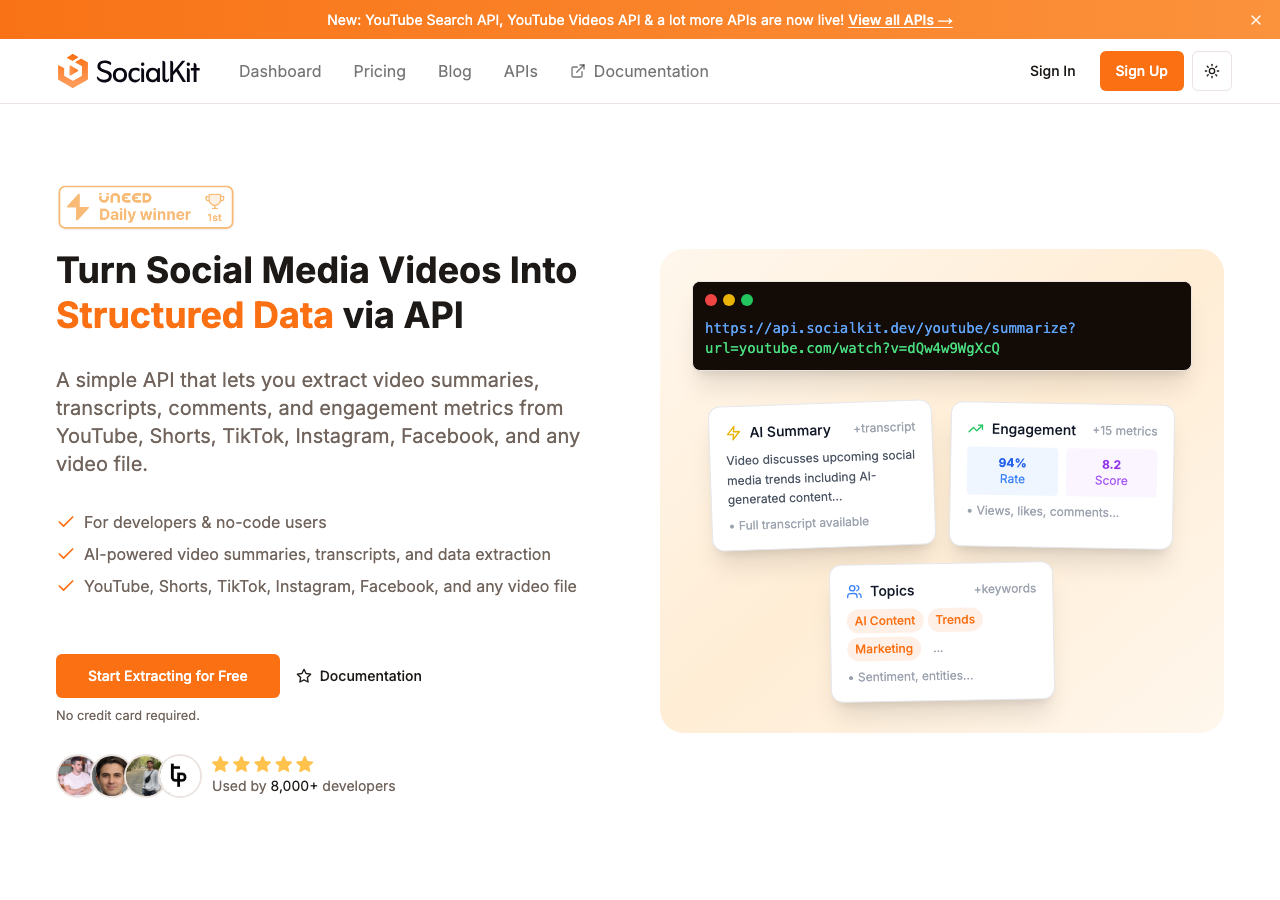
SocialKit is the most complete option for multi-platform video-to-text automation. It handles YouTube, TikTok, Instagram, and Facebook from a single API, requires no OAuth, and includes AI summaries and engagement metrics in the same response. The no-code integrations with Zapier and Make make it accessible to non-developers. The free tools let you test the output before writing any code.
Supadata
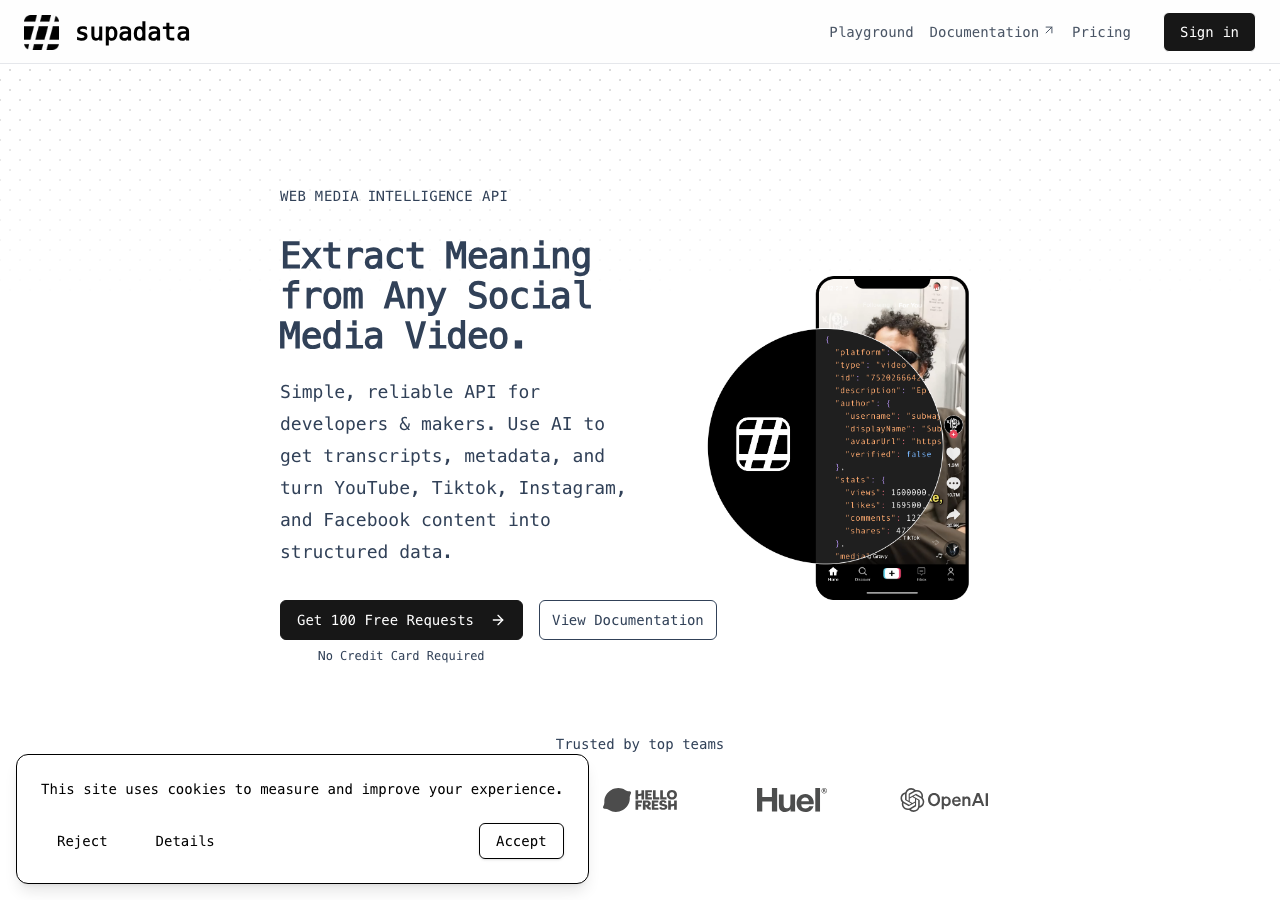
Supadata focuses primarily on YouTube transcript extraction. The API is functional and returns transcripts reliably for YouTube content. However, if your use case involves TikTok, Instagram, or Facebook videos, you would need to combine Supadata with other tools, which adds complexity and cost. There is no built-in AI summarization in the same call.
ScrapeCreators
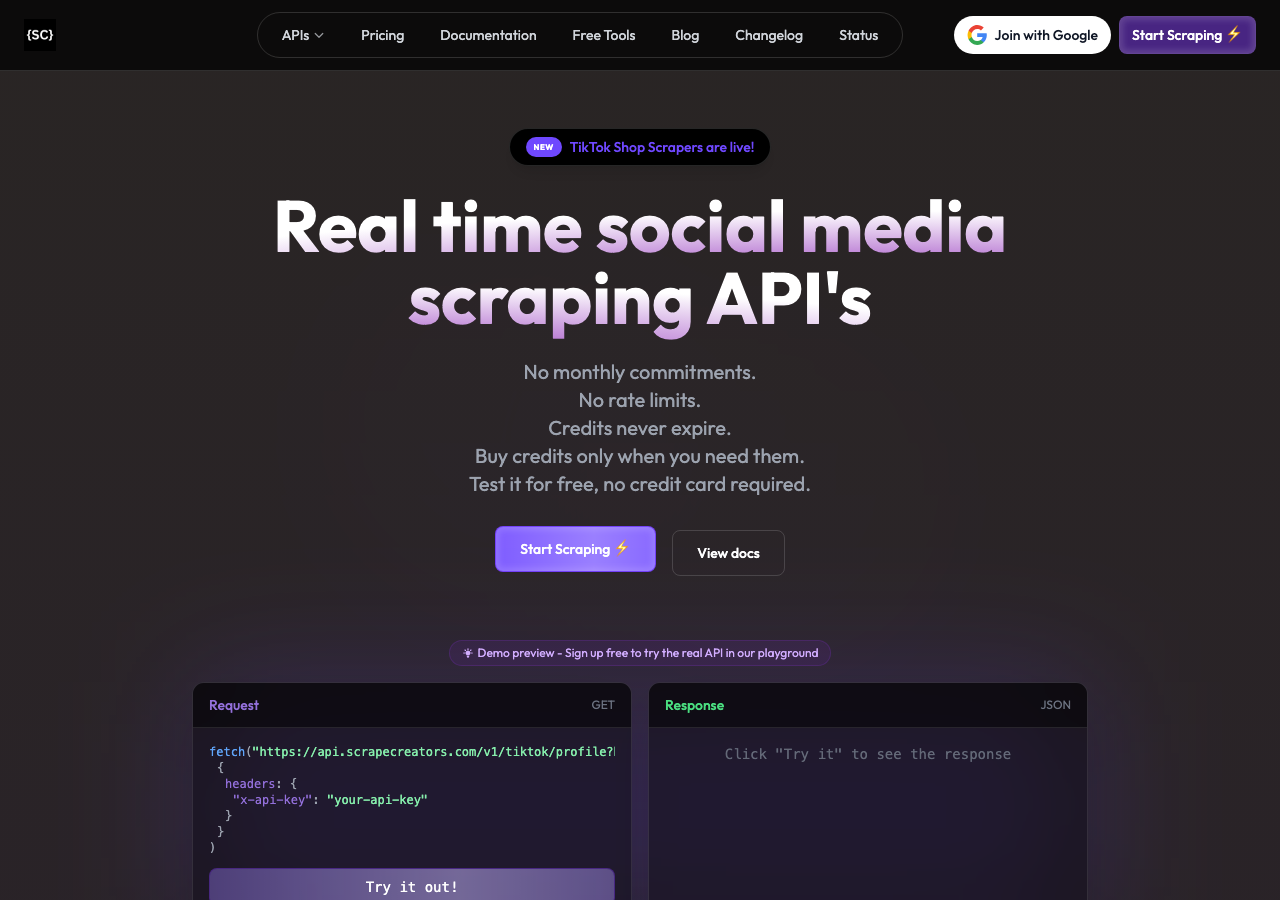
ScrapeCreators offers scraping APIs for TikTok and Instagram content, including some transcript-related fields. The coverage is reasonable for those platforms, but the response format is more oriented toward social media data in general rather than transcript-first extraction. If your primary need is clean text output with AI enrichment, you will end up doing more post-processing yourself.
DumplingAI
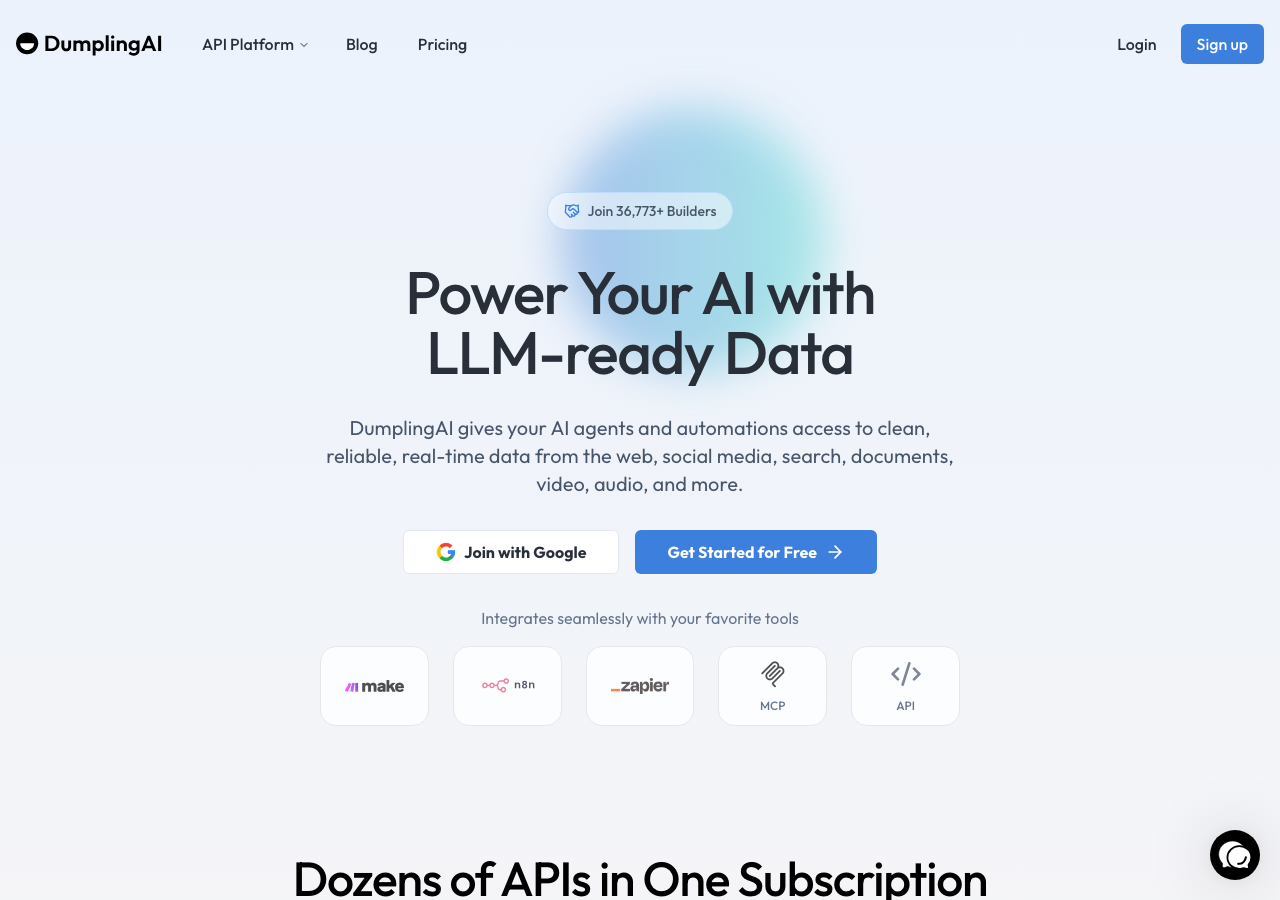
DumplingAI provides a browser-based AI tool with some social media data features. It is better suited to manual, one-off use cases rather than automated pipelines at scale. The API surface is more limited compared to SocialKit, and it lacks the same multi-platform breadth.
GetTranscribe
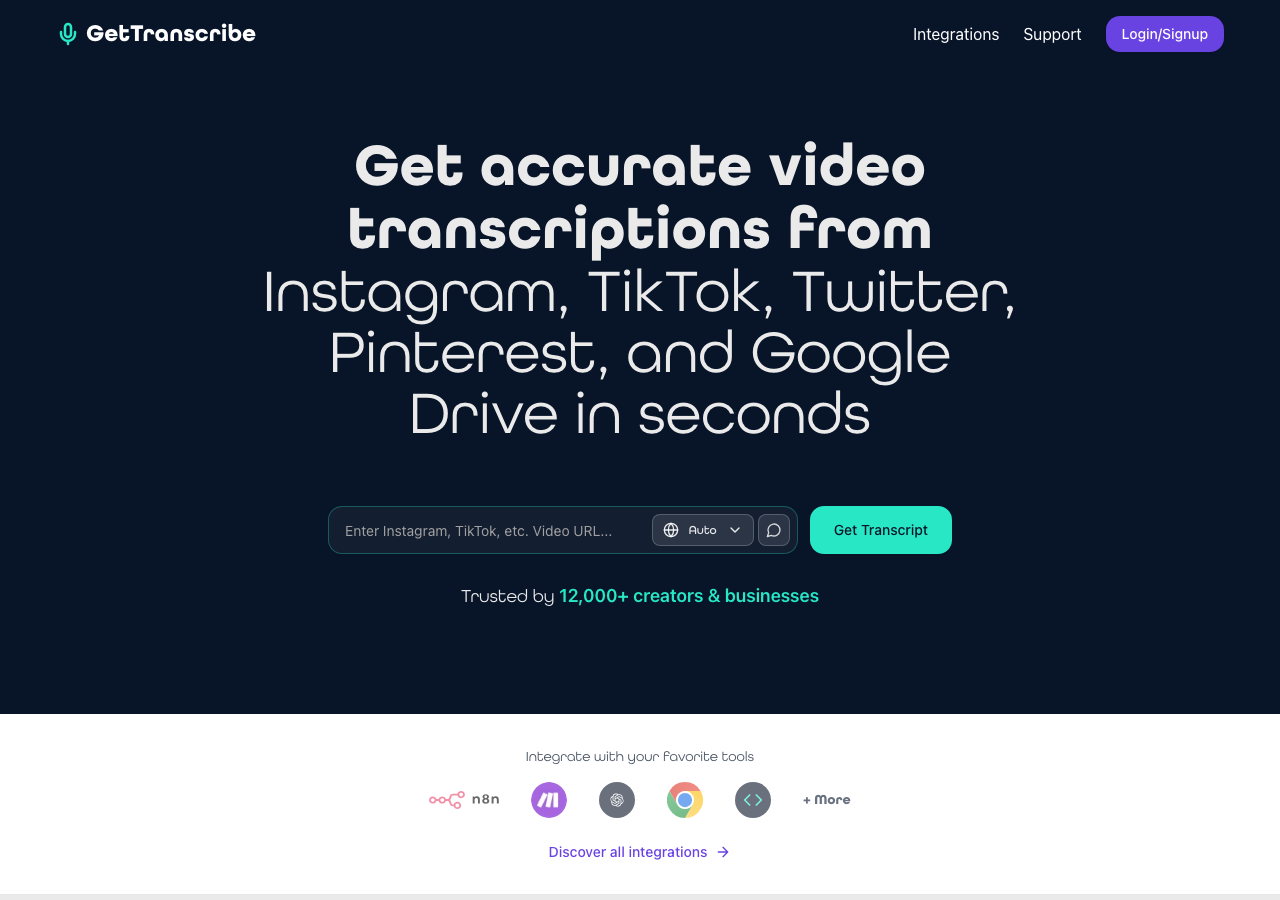
GetTranscribe is a free web tool for pulling transcripts from social media videos. It supports several platforms and is useful for quick, manual lookups. Like Restream, it is not built for automation. There is no API, and the free positioning means reliability and rate limits can be inconsistent at scale.
Conclusion Checklist
Before going to production with your video-to-text automation, run through this checklist.
- Your API key is stored as an environment variable, not hardcoded in source files
- Your pipeline handles all four platforms (YouTube, TikTok, Instagram, Facebook) with a single code path
- You are storing transcripts alongside metadata (title, URL, platform, timestamp, engagement metrics)
- Empty transcript responses are handled without crashing downstream processes
- You have tested with a sample set of real videos from each platform
- Rate limiting is handled with delays or a queue system
- AI summaries are enabled if your use case benefits from them
- You have reviewed the automation workflows use case page for patterns that apply to your specific use case
If you are ready to start extracting, the YouTube Transcript Extractor and TikTok Transcript Extractor are free tools you can use to test the output immediately without writing any code. The Instagram Transcript Extractor and Facebook Transcript Extractor are also available for the other platforms.
For developers ready to integrate, the SocialKit APIs page has complete documentation for all endpoints. For no-code users, the Zapier and Make integrations are the fastest path to a working pipeline.
Video content is growing faster than anyone can watch it manually. Automating the conversion to text is not just a convenience. It is the foundation for any serious content intelligence, research, or AI-powered workflow built on top of social media.