4 Best Screenshot APIs in 2026
Need to capture website screenshots programmatically? Whether you're building a portfolio generator, monitoring tool, or social media automation platform, choosing the right screenshot API can make or break your project.
In this comprehensive guide, we'll compare the top 4 screenshot APIs available in 2026, breaking down their features, pricing, and use cases to help you make an informed decision.
Quick Comparison
| API | Starting Price | Screenshots/Month | Cost per Screenshot | Free Tier |
|---|---|---|---|---|
| CaptureKit | $7/mo | 1,000 | $0.007 | 100 screenshots |
| ScreenshotOne | $17/mo | 2,000 | $0.0085 | 100 screenshots |
| ScreenshotAPI.net | $9/mo | ~1,100 | $0.008 | 100 screenshots |
| Scrapingdog | $40/mo | 200,000 credits | Varies | Trial available |
1. CaptureKit - Best Overall Screenshot API
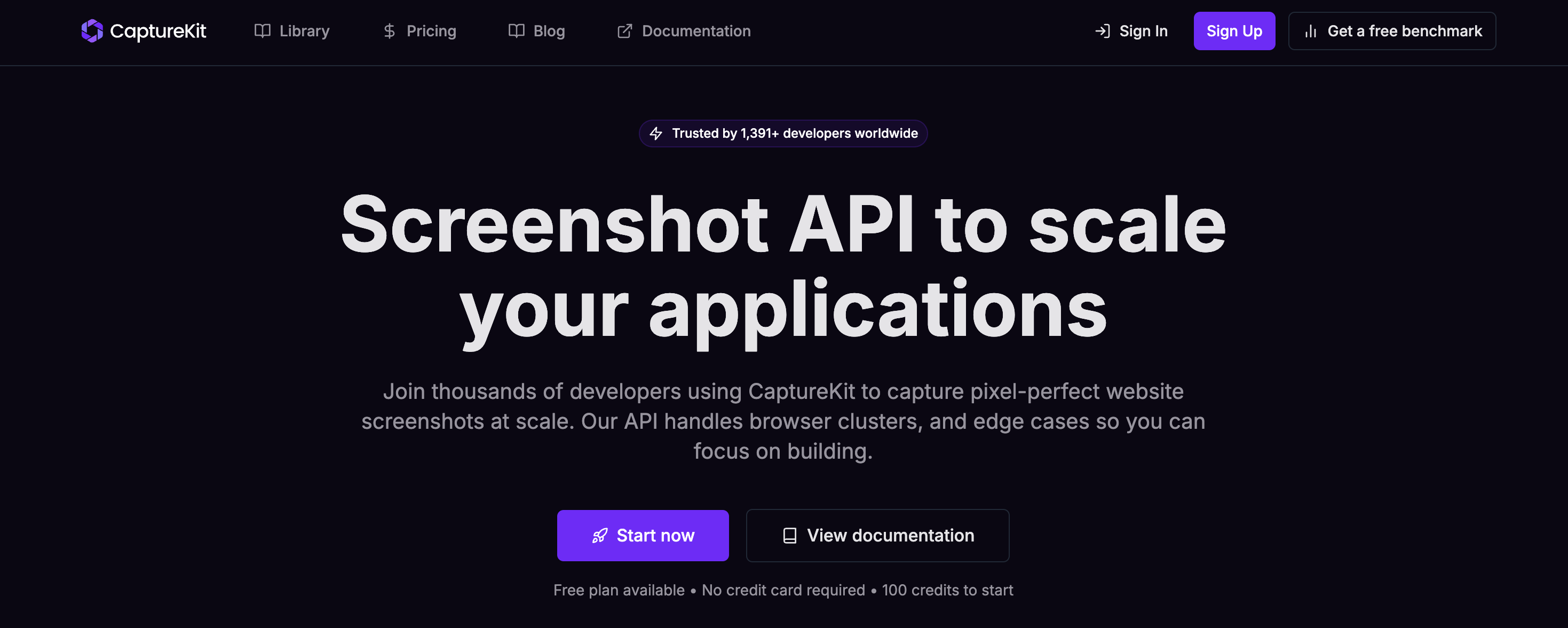
Best for: Developers and no-code users who need clean, clutter-free screenshots at scale
CaptureKit is a modern screenshot API designed specifically for developers who need pixel-perfect website screenshots without the hassle of managing browser clusters and edge cases.
Key Features
Capture Clean Screenshots CaptureKit automatically keeps your screenshots clutter-free by removing unwanted elements:
- ✅ Hide Cookie Banners - Automatically removes GDPR/consent bars without custom code
- ✅ Block Ads Instantly - One simple flag hides ad units so images stay clean
- ✅ Dismiss Overlays - Eliminate modals, chat boxes, and other interruptions
Capture Any Screen Size Customize every screenshot to your exact needs:
- ✅ Full-Page Mode - Capture entire scrollable pages in a single shot
- ✅ Element Targeting - Use CSS selectors to capture specific page elements
- ✅ Device Emulation - Simulate mobile, tablet, or desktop viewports
Built-in Caching & Storage
- ✅ Direct S3 Uploads - Push screenshots straight to your AWS S3 or compatible bucket
- ✅ Cache Control - Serve repeat requests from CDN for lightning-fast responses
Complete API Suite
Beyond screenshots, CaptureKit offers a comprehensive web data platform:
Screenshot API - Capture high-quality screenshots with extensive customization
Content API - Extract structured data including metadata, links, and raw HTML
AI Content API - Process webpage content with AI to generate summaries and extract key features
Pricing
- Free: 100 credits/month
- Starter: $7/month (1,000 credits) - Billed $70 annually
- Pro: $29/month (10,000 credits) - Billed $244 annually
- Ultimate: $89/month (50,000 credits) - Billed $748 annually
All plans include:
- PNG, JPEG, WebP, PDF formats
- Cache control
- Block cookie banners
- Upload to S3
- Page Content API
- Zapier, Make integrations
- Stealth mode
- AI Summarizer API
- GPU Rendering
Why Choose CaptureKit?
Simple API - Just pass a URL and get a screenshot. No complex configuration required for basic use cases, but powerful options when you need them.
Best Value - At $7/month for 1,000 screenshots, CaptureKit offers the most features at the most competitive price point.
Clean Results - Automatic ad blocking and cookie banner removal means you get professional screenshots without manual cleanup.
Developer Experience - Built by developers, for developers. Clean API, excellent documentation, and responsive support.
Multi-Format Support - Generate PNG, JPEG, WebP, or PDF outputs from the same API call.
2. ScreenshotOne - Enterprise-Grade Screenshot Platform
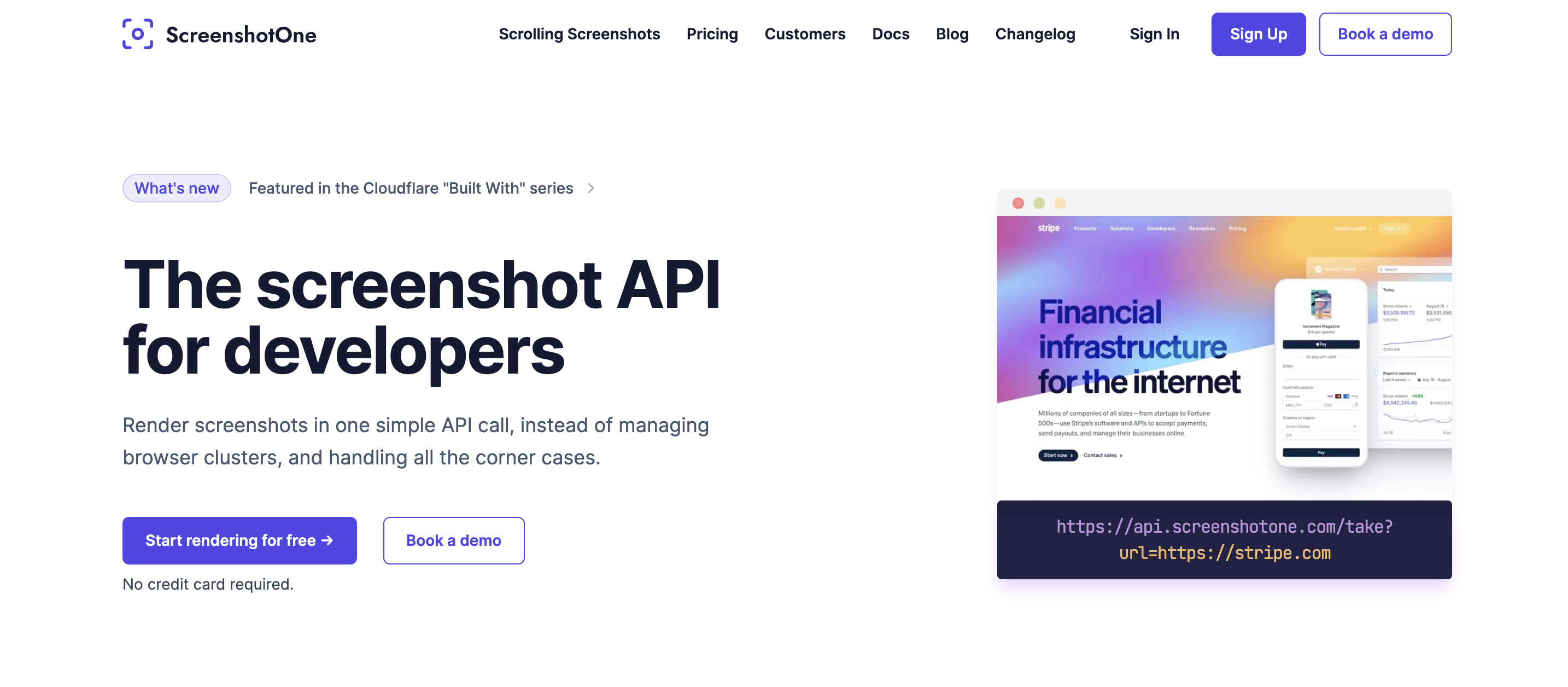
Best for: Companies with larger budgets needing advanced features
ScreenshotOne is a comprehensive screenshot API with advanced features like video generation and scrolling screenshots.
Key Features
- ✅ Screenshot rendering with multiple formats
- ✅ Block ads and cookie banners
- ✅ Full page screenshots
- ✅ Render PDFs and HTML
- ✅ S3 upload support
- ✅ Webhooks and signed links
- ✅ Stealth mode
- ✅ Growth+: Scrolling screenshots and video generation
- ✅ Scale: GPU rendering
Pricing
- Basic: $17/month (2,000 screenshots, 40 req/min)
- $0.009 per extra screenshot
- Growth: $95/month (10,000 screenshots, 80 req/min)
- $0.006 per extra screenshot
- Scrolling screenshots & video generation
- Scale: $259/month (50,000 screenshots, 150 req/min)
- $0.004 per extra screenshot
- GPU rendering & priority support
Pros & Cons
Pros:
- Advanced features like video generation
- High rate limits
- GPU rendering on Scale plan
- Choose IP location for geo-targeting
Cons:
- More expensive than alternatives ($17/month entry)
- Overkill for basic screenshot needs
- Higher per-screenshot cost on Basic plan
When to Choose: If you need advanced features like scrolling screenshots, video generation, or high rate limits and have the budget for it.
3. ScreenshotAPI.net - Solid Middle-Ground Option
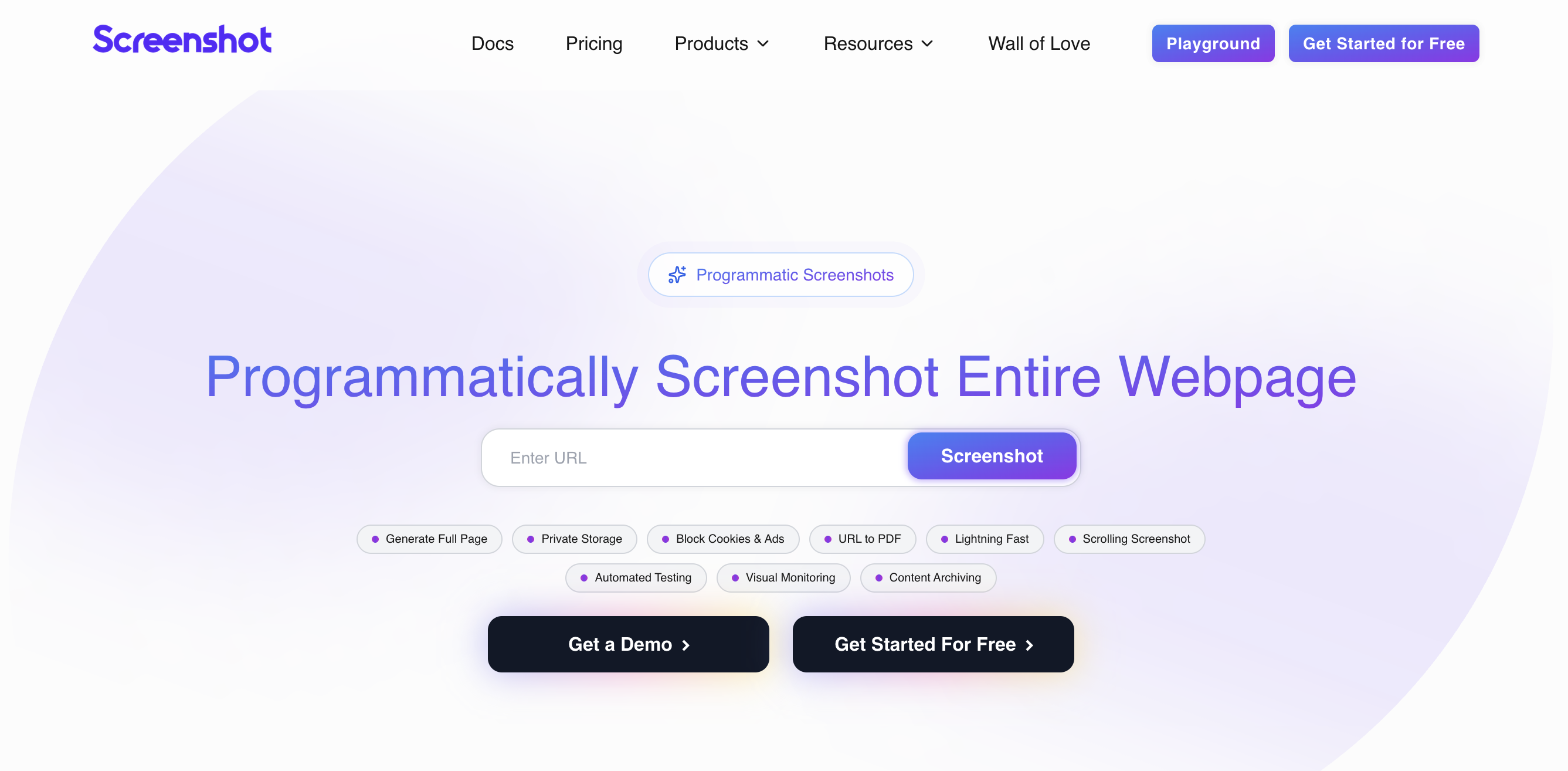
Best for: Mid-sized projects with moderate screenshot volume
ScreenshotAPI.net provides a straightforward screenshot API with competitive pricing for moderate usage.
Key Features
- ✅ Screenshot rendering
- ✅ Multiple format support
- ✅ Cookie banner blocking
- ✅ Full page screenshots
- ✅ 7-day free trial (100 screenshots)
Pricing
-
Essentials: $9/month
- ~1,100 screenshots included (calculated from base + extra pricing)
- $0.009 per extra screenshot
- 20 requests per minute
-
Startup: $29/month
- ~3,625 screenshots included
- $0.008 per extra screenshot
- 40 requests per minute
-
Business: $175/month
- ~29,166 screenshots included
- $0.006 per extra screenshot
- 80 requests per minute
Pros & Cons
Pros:
- 7-day free trial
- All features included in all plans
- Reasonable pricing for medium volume
Cons:
- Fewer features than CaptureKit or ScreenshotOne
- Jump from $29 to $175 for Business plan
- Limited information on advanced capabilities
- No built-in AI features
When to Choose: If you need a straightforward screenshot API without advanced features and want a 7-day trial period.
4. Scrapingdog - Complete Web Scraping Platform
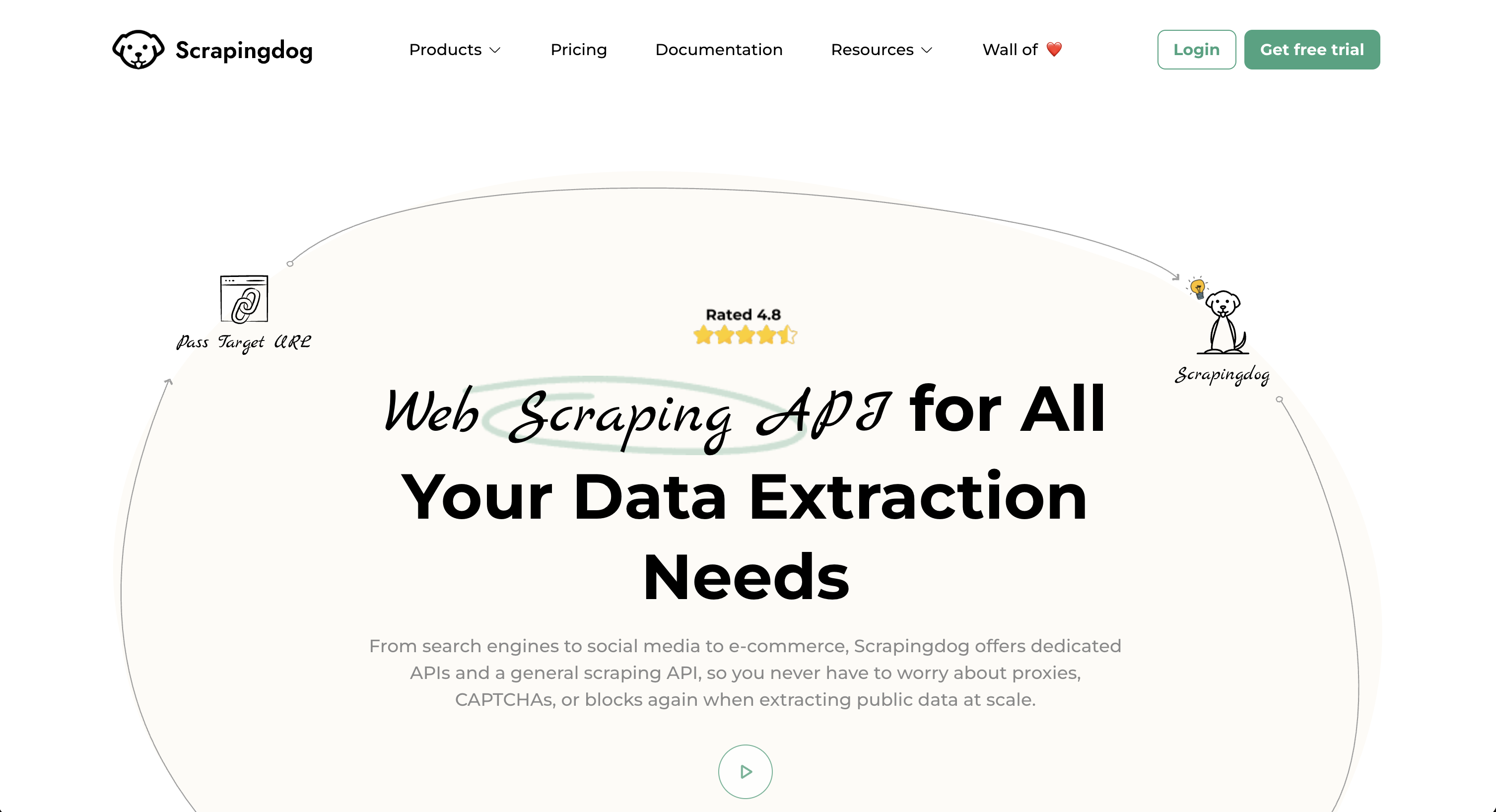
Best for: Projects needing screenshots plus comprehensive web scraping capabilities
Scrapingdog is a complete web scraping API platform that includes screenshot capabilities alongside many other scraping tools.
Key Features
- ✅ Screenshot API (one of many tools)
- ✅ Complete web scraping suite
- ✅ Geotargeting
- ✅ High concurrency levels
- ✅ Access to all APIs in platform
- ✅ Team management (Pro+)
Pricing
-
LITE: $40/month
- 200,000 credits
- 5 concurrency
- Access to all APIs
- No email support
-
STANDARD: $90/month
- 1,000,000 credits
- 50 concurrency
- Email support
-
PRO: $200/month (Popular)
- 3,000,000 credits
- 100 concurrency
- Priority email support
- Team management
-
PREMIUM: $350/month
- 6,000,000 credits
- 150 concurrency
- Priority support
Pros & Cons
Pros:
- Complete web scraping platform
- High credit allocations
- High concurrency levels
- Geotargeting included
- Access to multiple scraping APIs
Cons:
- Expensive for screenshot-only use ($40/month minimum)
- Credits shared across all APIs
- Screenshot API not the main focus
- Overkill if you only need screenshots
When to Choose: Only if you need screenshots AND extensive web scraping capabilities. Not cost-effective if you only need screenshot functionality.
Use Case Recommendations
Choose CaptureKit if you need:
- ✅ Best value for money
- ✅ Clean screenshots without ads/banners
- ✅ AI-powered content extraction
- ✅ Simple API with powerful options
- ✅ No-code integrations (Zapier, Make)
- ✅ Multiple format outputs
- ✅ Developer-friendly experience
Choose ScreenshotOne if you need:
- ✅ Video generation from websites
- ✅ Scrolling screenshot animations
- ✅ Very high rate limits (150 req/min)
- ✅ GPU rendering
- ✅ Enterprise support
- ⚠️ Note: Significantly more expensive
Choose ScreenshotAPI.net if you need:
- ✅ 7-day free trial
- ✅ Simple screenshot API
- ✅ Mid-tier pricing
- ⚠️ Note: Limited advanced features
Choose Scrapingdog if you need:
- ✅ Screenshots + comprehensive web scraping
- ✅ High concurrency for scraping
- ✅ Geotargeting across multiple tools
- ⚠️ Note: Not cost-effective for screenshots alone
Building a Complete Web Data Stack
While these screenshot APIs are excellent for capturing website visuals, you might also need to extract data from social media videos. Here's how to build a complete web data extraction stack:
Screenshot + Social Media Data = Complete Solution
For Website Data: Use a screenshot API like CaptureKit for:
- Portfolio screenshots
- Website monitoring
- Social media preview images
- Documentation screenshots
- Website archival
For Social Media Video Data: Combine with SocialKit for:
- YouTube video transcripts and summaries
- TikTok video transcripts and summaries
- Video comments extraction
- Video statistics and analytics
- Multi-platform video data
The Perfect Stack
CaptureKit + SocialKit gives you comprehensive web data extraction:
-
Visual Content (CaptureKit)
- Website screenshots
- Page content extraction
- AI-powered summaries
- PDF generation
-
Video Content (SocialKit)
- YouTube & TikTok transcripts
- AI video summaries
- Comments analysis
- Video statistics
Example Use Cases
Content Marketing Platform:
- Use CaptureKit to capture competitor website screenshots
- Use SocialKit to analyze competitor video content
- Combine insights for comprehensive competitive analysis
Social Media Management Tool:
- Use SocialKit to extract video transcripts for repurposing
- Use CaptureKit to generate preview images from landing pages
- Automate content creation workflow
Educational Platform:
- Use SocialKit to extract YouTube video transcripts for accessibility
- Use CaptureKit to capture course material screenshots
- Create comprehensive learning resources
Research & Analytics:
- Use SocialKit to analyze social media video trends
- Use CaptureKit to document website changes over time
- Build comprehensive data collection pipelines
Final Recommendation
For most developers and businesses, CaptureKit is the clear winner:
✅ Best pricing - $7/month for 1,000 screenshots
✅ Most features - Screenshots, content extraction, and AI summaries
✅ Cleanest results - Automatic ad and cookie banner blocking
✅ Best developer experience - Simple API with powerful options
✅ No-code friendly - Native Zapier and Make integrations
✅ Scales efficiently - $89/month for 50,000 screenshots
Special Cases:
- Need video generation? → ScreenshotOne (but expect to pay more)
- Want a 7-day trial? → ScreenshotAPI.net
- Need comprehensive web scraping? → Scrapingdog
For screenshot APIs specifically, CaptureKit offers the best combination of features, pricing, and developer experience.
Bonus: Combine CaptureKit with SocialKit Social Media API to build a complete web data extraction platform covering both websites and social media video content.