Best YouTube Comment Downloaders and Exporters 2026
YouTube comments hold a surprising amount of useful data. Product feedback, sentiment signals, common questions, competitor mentions, raw audience reactions. No survey gives you this stuff. If you're building a sentiment analysis pipeline, researching a niche, moderating at scale, or just trying to understand how people respond to video content, you need a way to get those comments out of YouTube and into a format you can actually work with.
YouTube's own tools make this harder than it should be. The official Data API has strict quotas, requires OAuth setup, and adds friction to most real-world workflows. So a market of third-party comment downloaders and exporters has filled the gap.
In 2026, your options range from developer-facing APIs to browser extensions and no-code tools. Here's what's out there, what each tool actually does well, and which situations each one fits.
What Makes a Great YouTube Comment Downloader or Exporter?
Before comparing tools, it's worth defining what separates a genuinely useful comment exporter from one that just technically works.
You need volume and depth. Some tools cap you at a few hundred comments. For serious research or sentiment analysis, you need thousands, including replies. Look for tools that support deep pagination and threaded comment extraction.
Output format matters too. CSV and JSON are the standard. JSON works better for developers building pipelines. CSV works better for analysts using spreadsheets or feeding data into tools like Airtable.
Think about ease of integration. Developer tools should have clean REST APIs with clear docs. No-code users need Zapier, Make, or n8n compatibility. The best tools serve both audiences.
Speed and reliability can't be an afterthought. If a tool throttles aggressively or goes down a lot, it becomes a liability in production.
Look at data richness. The best tools return more than just comment text. Author name, timestamp, like count, reply count, whether a comment is a reply or top-level, all of that adds value when you're analyzing at scale.
No OAuth requirement is a big deal. Tools that make you authenticate with your YouTube account add friction and introduce risk. The best services handle access on their side and only need a video URL or ID from you.
And pricing should be transparent. Clear, usage-based pricing is easier to plan around than opaque tiers with hidden feature gates.
1. SocialKit
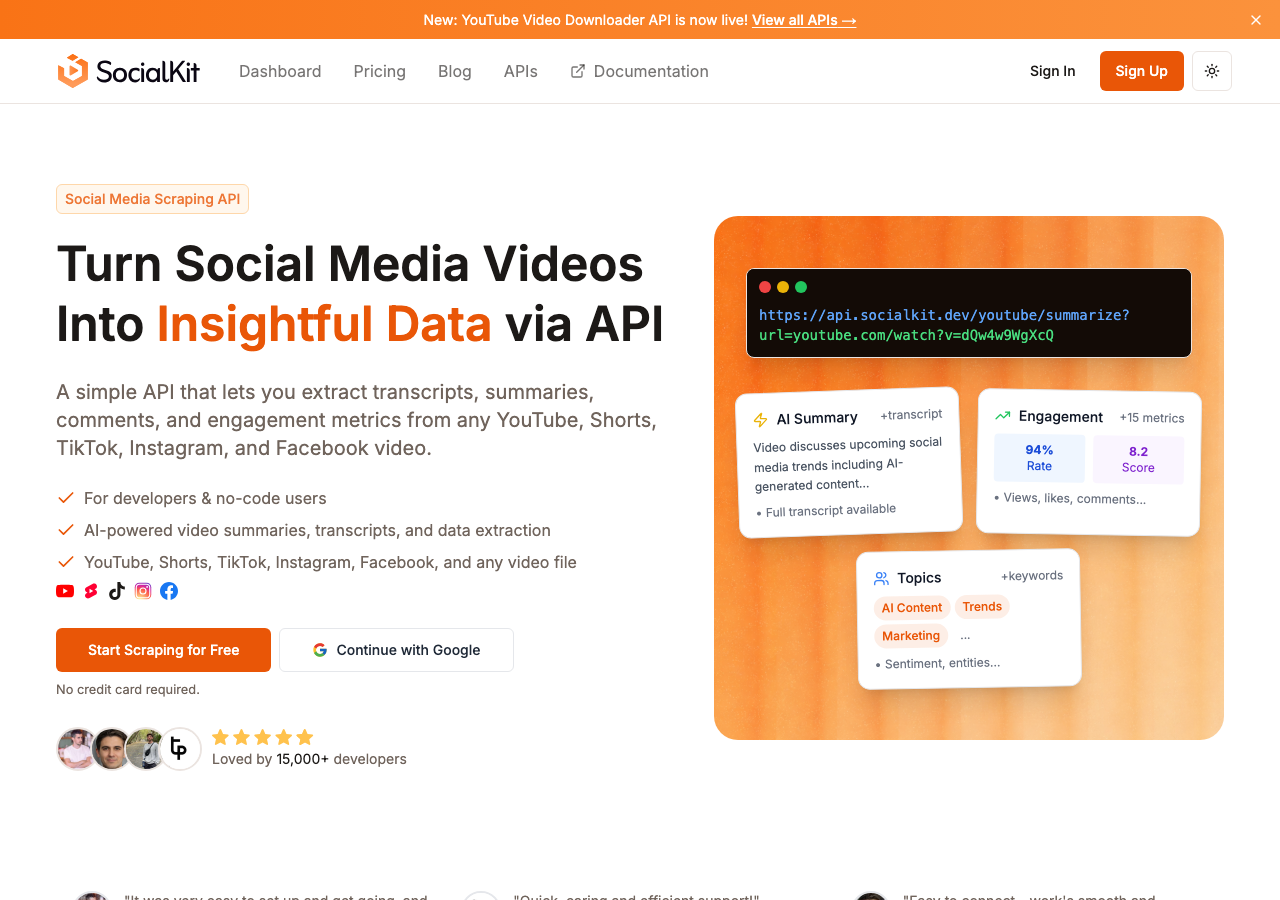
SocialKit is the most complete solution for extracting YouTube comments in 2026. It's built for developers and teams that need structured video data at scale, and comments are one of its strongest areas.
A single API call to the YouTube Comments API returns paginated comments with author details, timestamps, like counts, reply counts, and reply threading. No YouTube authentication or OAuth tokens needed. You send a video URL, SocialKit handles the rest.
Here's a quick example:
curl "https://api.socialkit.dev/v1/youtube/comments?url=https://www.youtube.com/watch?v=VIDEO_ID" \
  -H "x-access-key: YOUR_ACCESS_KEY"
Or using a query parameter instead:
curl "https://api.socialkit.dev/v1/youtube/comments?url=https://www.youtube.com/watch?v=VIDEO_ID&access_key=YOUR_ACCESS_KEY"
What sets SocialKit apart is everything else you can pull alongside comments. You can grab YouTube video stats, full transcripts, and AI-generated summaries from the same platform. If you're building a content intelligence workflow where comments are one piece of a larger picture, this saves you from stitching together multiple vendors.
For teams building sentiment analysis pipelines, SocialKit's YouTube Comments Analyzer and free YouTube Comment Viewer are good starting points. The viewer lets you inspect comments in a clean interface before committing to API usage, which helps when you're scoping a project.
SocialKit also supports no-code workflows. It integrates with Zapier, Make, and n8n, so non-developers can build automated comment extraction pipelines without writing code. See the Zapier integration guide and Make integration guide for details.
The platform goes beyond YouTube too. It supports TikTok, Instagram, and Facebook video data extraction using the same API structure. If your research spans multiple platforms, you're not managing three separate vendor relationships.
For sentiment analysis use cases, the comment data includes enough metadata to build meaningful models. For influencer marketing, you can pull comments from multiple creator videos to understand how audiences actually respond to campaigns.
The developer experience is solid. The YouTube Comments API documentation shows request structure, response shape, and example code. There's also a dedicated n8n integration post that walks through building a full comment sentiment analysis workflow.
Key features:
- Full YouTube comment extraction with threading, metadata, and pagination
- AI-powered summaries and transcripts from the same API
- No OAuth required, just pass a video URL
- Zapier, Make, and n8n integrations for no-code workflows
- Covers YouTube, TikTok, Instagram, and Facebook
- Free comment viewer tool for quick inspection
Pricing: Usage-based with a free tier. See pricing for current rates.
Verdict: SocialKit is the best all-around choice for YouTube comment extraction in 2026. It handles volume, returns rich metadata, requires no OAuth, and fits both developer and no-code workflows. Being able to combine comment data with transcripts and AI summaries in a single platform makes it especially strong for content research and audience intelligence.
2. Supadata
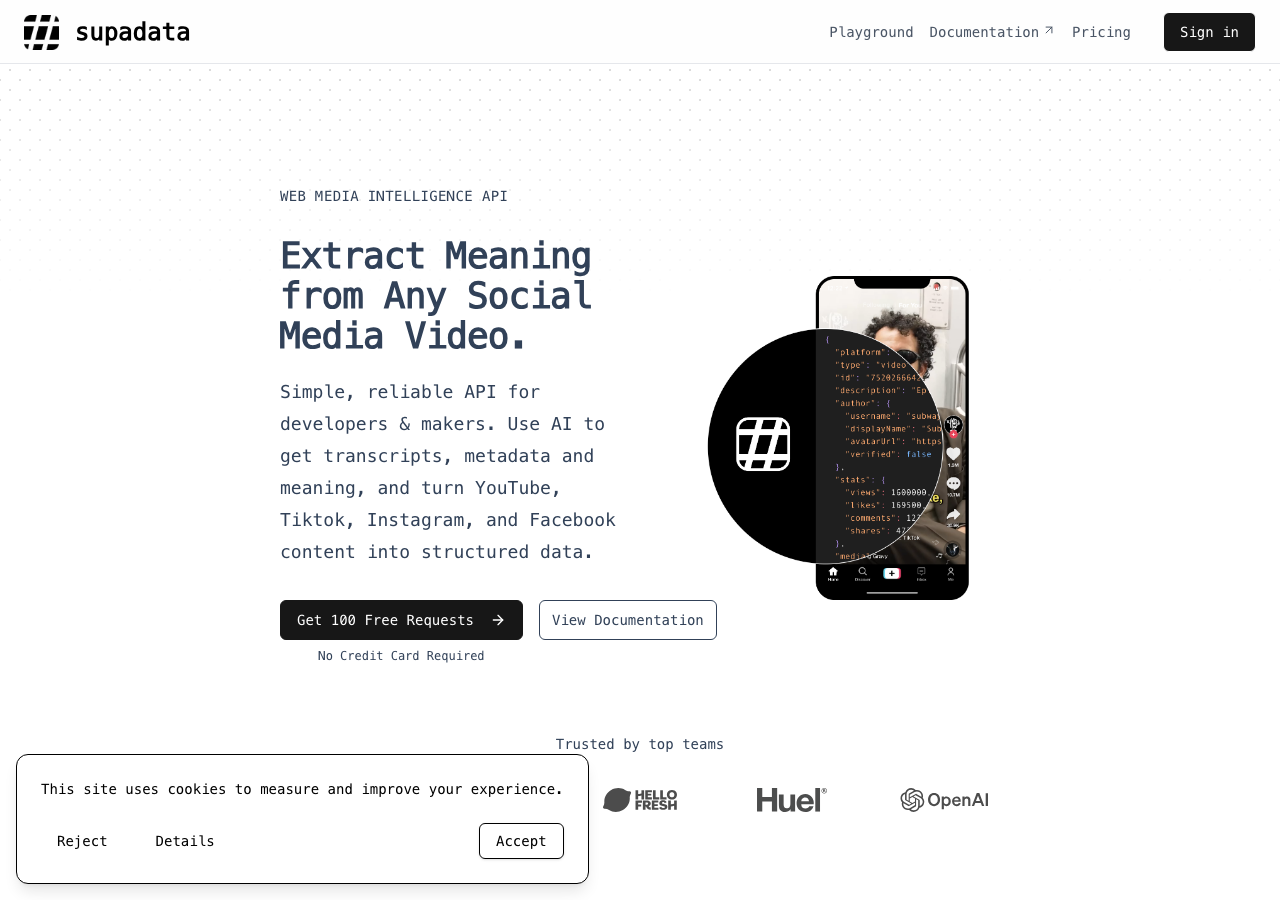
Supadata is a data API service that includes YouTube comment extraction among its offerings. It's mainly developer-facing with a clean API interface. Transcripts are the core product, but comment access is available.
The API returns comment data in structured JSON and supports pagination for larger videos. Rate limits are clearly documented, and the service has been reliable for developers building research tools.
Key features:
- REST API for YouTube comment access
- JSON output with pagination
- Transcript extraction as primary offering
- Reasonable rate limits on higher tiers
Pricing: Basic at $5/month for 300 credits, Pro at $17/month for 3,000 credits, Mega at $47/month for 30,000 credits, Giga at $297/month for 300,000 credits, and Supa at $897/month for 1,000,000 credits. Auto recharge is available on paid plans.
Verdict: Supadata works well for developers who need a reliable comment API with predictable pricing. It doesn't have the breadth of SocialKit's platform, particularly the AI summarization, multi-platform support, and no-code integrations. But for teams focused narrowly on YouTube comments and transcripts, it's a reasonable option.
3. ScrapeCreators
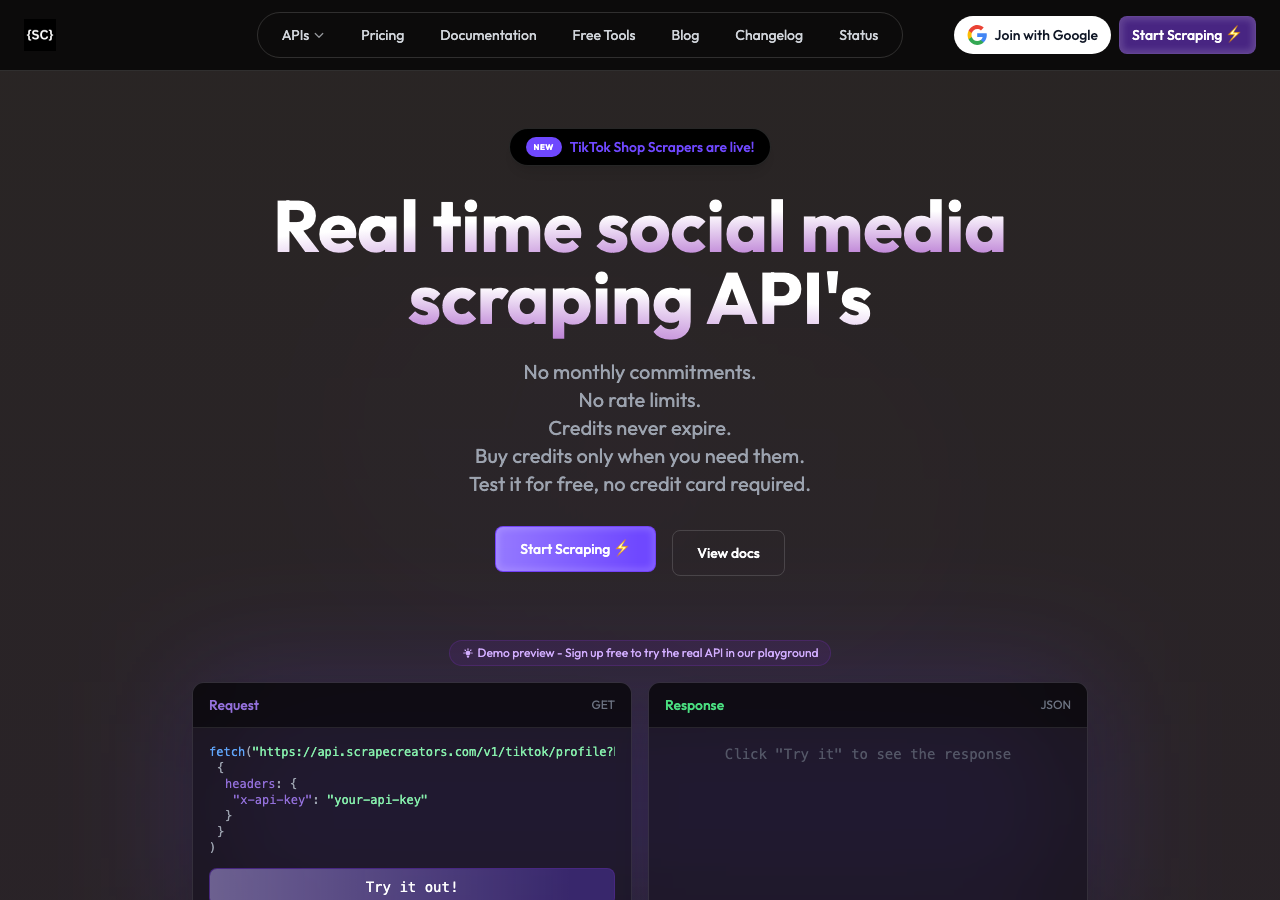
ScrapeCreators is a scraping-focused API that covers multiple social media platforms including YouTube. It supports comment extraction alongside other data types like channel information and video metadata.
The service is built for developers and positions itself as flexible scraping infrastructure. YouTube comment extraction is one endpoint among many. The API returns structured data and supports bulk usage, making it viable for research projects that need to process many videos at once.
Key features:
- YouTube comment API with metadata
- Multi-platform scraping support
- Bulk video processing
- Developer-focused REST API
Pricing: Not publicly listed in detail. Plans vary by usage volume and are typically negotiated or tiered on the platform.
Verdict: ScrapeCreators is a solid option for developers who need scraping infrastructure across multiple data types and don't need AI-powered analysis. It lacks SocialKit's out-of-the-box summarization and no-code workflow support, and pricing transparency is limited.
4. DumplingAI
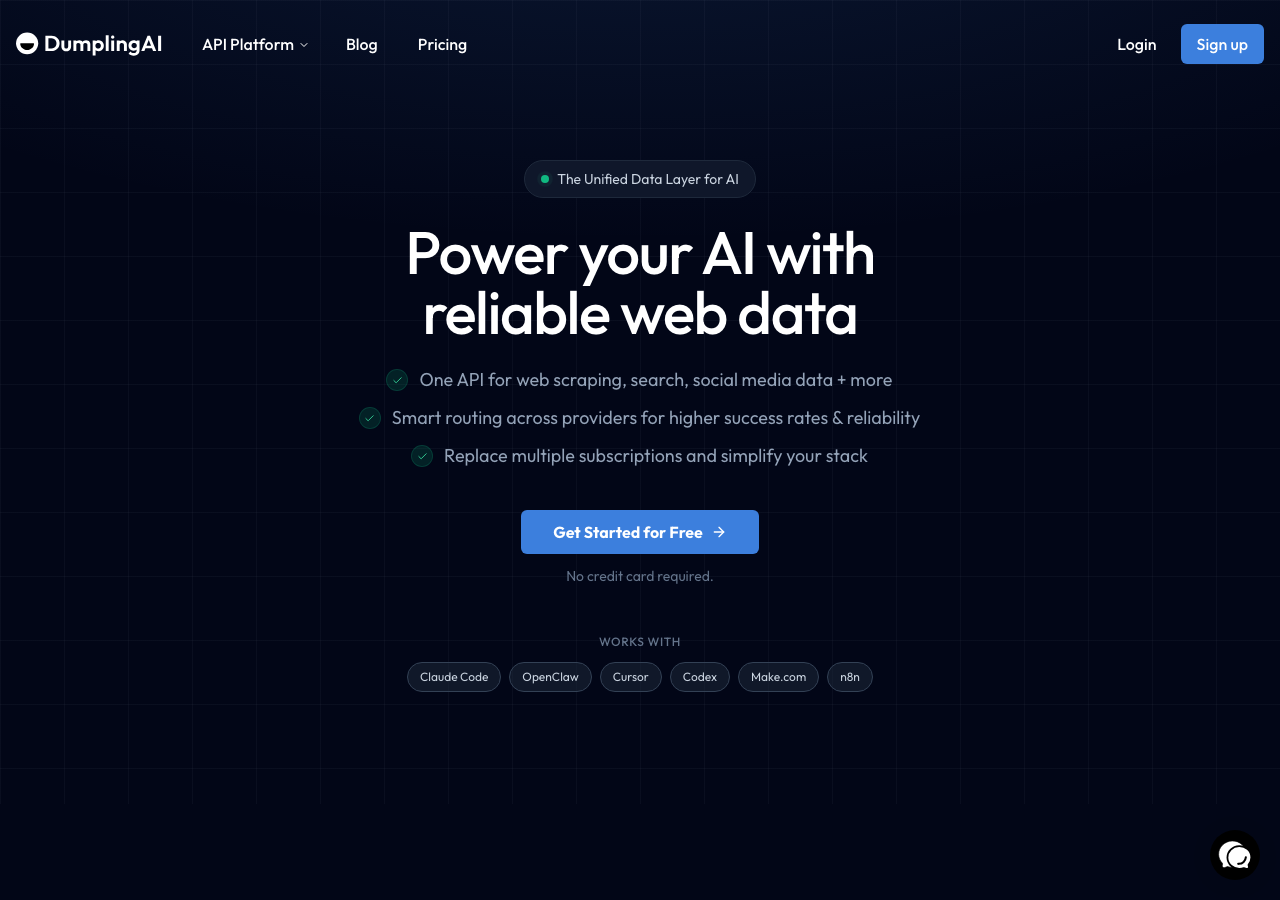
DumplingAI is an AI-focused data extraction service that includes YouTube comment extraction as part of a broader toolset. It's aimed at teams that want to extract and process social media data with some AI enrichment built into the pipeline.
The platform supports YouTube comments and provides output in structured formats. It also includes some native AI processing capabilities, which can reduce the need to pipe data into a separate LLM after extraction. The interface is more product-like than raw API services, so some non-developer users may find it approachable.
Key features:
- YouTube comment extraction with structured output
- Built-in AI enrichment options
- Product-like interface with some no-code usability
- Multiple data source support
Pricing: $40/month, $124/month, and $249/month tiers.
Verdict: DumplingAI is worth considering if you want AI enrichment built into your comment extraction workflow without stitching tools together. The pricing runs significantly higher than alternatives at comparable usage levels, though. SocialKit covers similar ground with more flexible pricing and better platform breadth.
5. YouTube Transcript
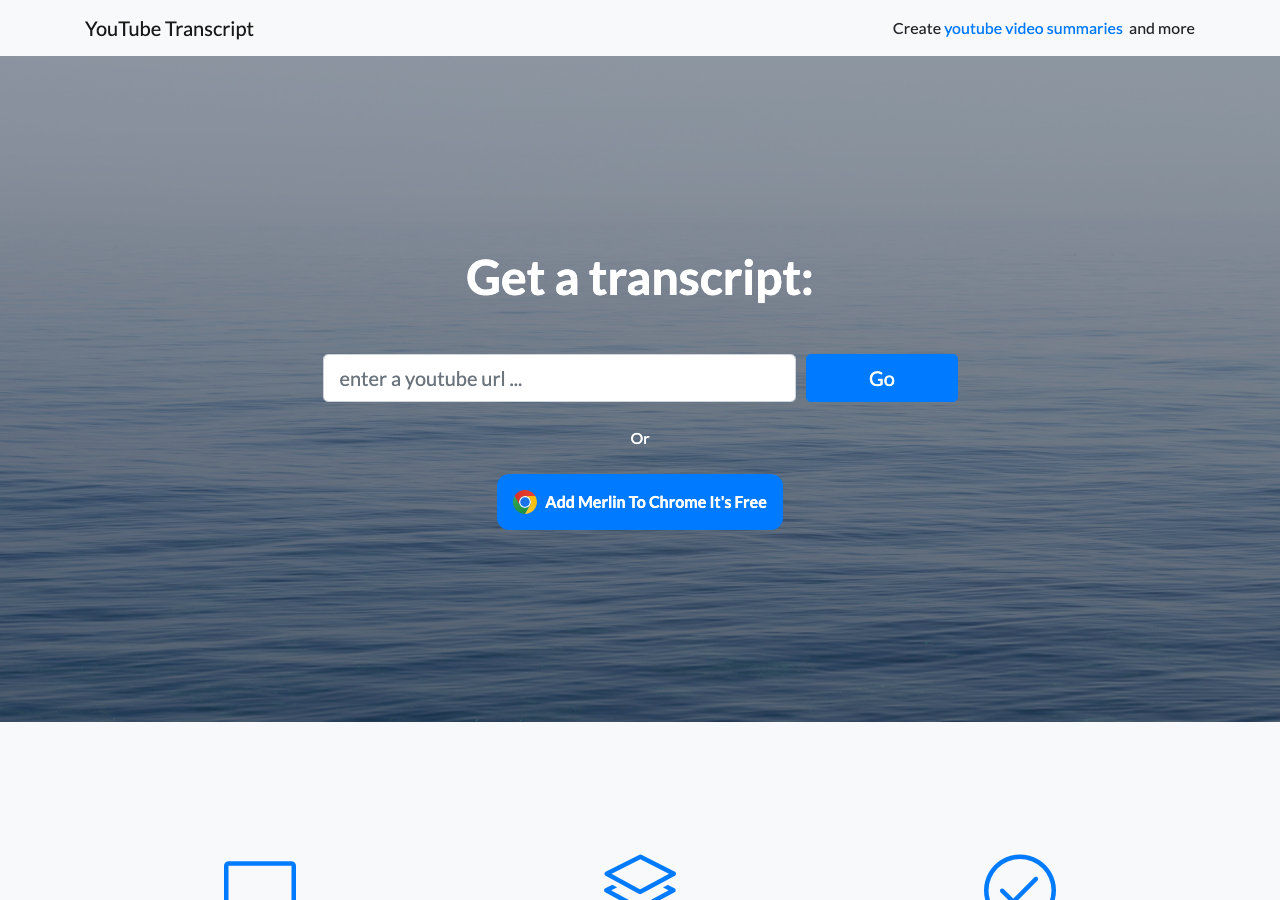
YouTube Transcript is a web-based tool focused almost entirely on extracting transcripts from YouTube videos. It's not a comment exporter. It's included here because many users searching for ways to export YouTube data find it and confuse transcripts with comments.
The tool is free and requires no signup. You paste a video URL and get the transcript back in plain text. It works for quick, one-off transcript grabs, but it has no comment support, no API, and no bulk processing capability.
Key features:
- Free transcript extraction
- No account required
- Simple web interface
- Text output
Pricing: Free.
Verdict: YouTube Transcript is not a comment downloader. It's a single-purpose transcript tool for casual use. If you're looking to export YouTube comments, look elsewhere. If you need transcripts alongside comments, SocialKit handles both through the same YouTube transcript API and comment API.
6. Browser Extensions and Manual Methods
There's a category of tools worth mentioning even if none of them deserve a full entry: browser extensions for YouTube comment export.
Several Chrome extensions let you scrape visible comments on a YouTube page and export them to CSV. Tools like Y Comment Downloader and similar utilities work by iterating through the visible DOM as you scroll, capturing comment text, author names, and like counts.
The limitations are real. You have to physically be there, scrolling. You can't automate them. They break whenever YouTube updates its page structure. Export volume is limited to what you can manually trigger. No API, no integrations, no metadata depth.
These tools are fine for pulling a few dozen comments from a single video as a one-time task. For anything systematic, they don't cut it.
Key features:
- Free
- Works in browser without coding
- CSV export
Pricing: Typically free.
Verdict: Fine for casual, manual extraction. Not appropriate for research, automation, or any workflow that processes more than one video at a time.
Quick Comparison Table
| Tool | Comment API | Transcripts | AI Summaries | No OAuth | No-Code Support | Platforms | Pricing |
|---|---|---|---|---|---|---|---|
| SocialKit | Yes | Yes | Yes | Yes | Yes (Zapier, Make, n8n) | YouTube, TikTok, Instagram, Facebook | Usage-based |
| Supadata | Yes | Yes | No | Yes | No | YouTube | $5-$897/month |
| ScrapeCreators | Yes | Yes | No | Yes | No | Multiple | Not public |
| DumplingAI | Yes | Yes | Yes | Yes | Partial | Multiple | $40-$249/month |
| YouTube Transcript | No | Yes | No | Yes | No | YouTube only | Free |
| Browser Extensions | Manual only | No | No | Yes | No | YouTube only | Free |
Which Should You Choose?
The right tool depends on what you're building and how you plan to use the data.
If you're a developer building a content research or sentiment analysis pipeline, SocialKit is the clearest choice. The YouTube Comments API returns rich, structured data without OAuth friction. Pair it with the transcript API and summarizer API to build a complete video intelligence layer. The n8n automation guide walks through the whole thing if you want a starting point.
If you're a non-developer who needs to pull comments into a spreadsheet or CRM automatically, SocialKit's Zapier and Make integrations give you that without writing code. The free YouTube Comment Viewer is also worth using to preview data before setting up a full workflow.
If you need a focused transcript API for YouTube and your comment needs are minimal, Supadata offers a predictable service. Credits in, data out. Simple.
If your workflow already involves AI enrichment and you want it bundled with extraction, DumplingAI is worth evaluating. Just know the pricing runs high, and SocialKit's combination of API access and no-code support may cover the same needs for less.
If you're doing a one-time export of a small number of comments and don't plan to automate anything, a browser extension might be enough. Just don't expect to build anything repeatable with it.
If you need comment data across multiple platforms, SocialKit is the only tool here that covers YouTube, TikTok, Instagram, and Facebook under one API. Running separate tools for each platform adds complexity and cost that you probably don't want to deal with.
One thing worth calling out: tools that skip OAuth are meaningfully easier to work with at scale. Managing token refresh, rate limit coordination, and API quota across the official YouTube Data API is a real engineering burden. Tools that abstract that away let you focus on what the data is telling you instead of fighting infrastructure.
Wrapping Up
Getting YouTube comments out in a usable format is a solved problem in 2026 if you pick the right tool. The official YouTube API still works for some use cases, but its quota system and OAuth requirements make it a poor fit for research, automation, and cross-platform workflows.
Of the tools reviewed here, SocialKit covers the most ground. It handles comment extraction with full metadata, pairs it with transcripts and AI summaries, works without OAuth, and supports both developer and no-code workflows.
If you want to try it before committing, the free YouTube Comment Viewer lets you pull and inspect comments from any public video. From there, the docs and integration guides at socialkit.dev make it straightforward to build out a full pipeline.