Best YouTube Comment Viewers and Analyzers in 2026
YouTube comments are one of the most underused data sources in social media research. A single viral video can generate tens of thousands of comments, and buried inside that noise is real signal: audience sentiment, recurring questions, product feedback, content ideas, and purchasing intent. The problem is that the native YouTube interface gives you almost no tools to work with that data at scale.
That's where YouTube comment viewers and analyzers come in. Whether you're a developer building a research pipeline, a content strategist tracking audience response, or a brand monitoring how people react to sponsored content, the right tool can turn raw comment threads into structured, actionable information.
YouTube's own data confirms the scale of the opportunity. The platform sees over 500 hours of video uploaded every minute, and comment engagement remains one of the strongest signals of audience connection. Yet most teams are still manually scrolling through comment sections to do their research.
This guide covers the best YouTube comment viewers and analyzers available in 2026, ranked by capability, ease of use, and value.
What Makes a Great YouTube Comment Viewer or Analyzer?
Before getting into specific tools, it helps to define what separates a useful comment tool from a limited one.
Volume and pagination. YouTube comment sections can be enormous. A tool that only retrieves the top 20 comments is not useful for research. The best tools handle deep pagination and can retrieve thousands of comments from a single video.
Structured output. Raw comment text is only the starting point. A well-designed tool returns structured data: author information, like counts, reply counts, timestamps, and threading. That structure is what makes downstream analysis possible.
Filtering and sorting. Being able to sort by top comments, most recent, or most liked, and filter by keyword or date range, saves significant time when you're trying to find specific patterns in a large comment section.
API access. For developers and teams running automated workflows, API access is essential. A browser tool that requires manual input every time is fine for one-off lookups but does not scale.
Sentiment and analysis features. Some tools go beyond retrieval and offer built-in sentiment analysis, topic clustering, or AI-powered summaries of what a comment section is saying. These features can compress hours of manual reading into a few seconds.
No-code compatibility. Teams that don't have engineering resources need tools that connect to platforms like Zapier, Make, or n8n so they can automate comment collection without writing code.
Pricing clarity. Comment data needs can vary a lot month to month. Predictable, transparent pricing matters, especially for agencies and researchers working across many videos simultaneously.
1. SocialKit
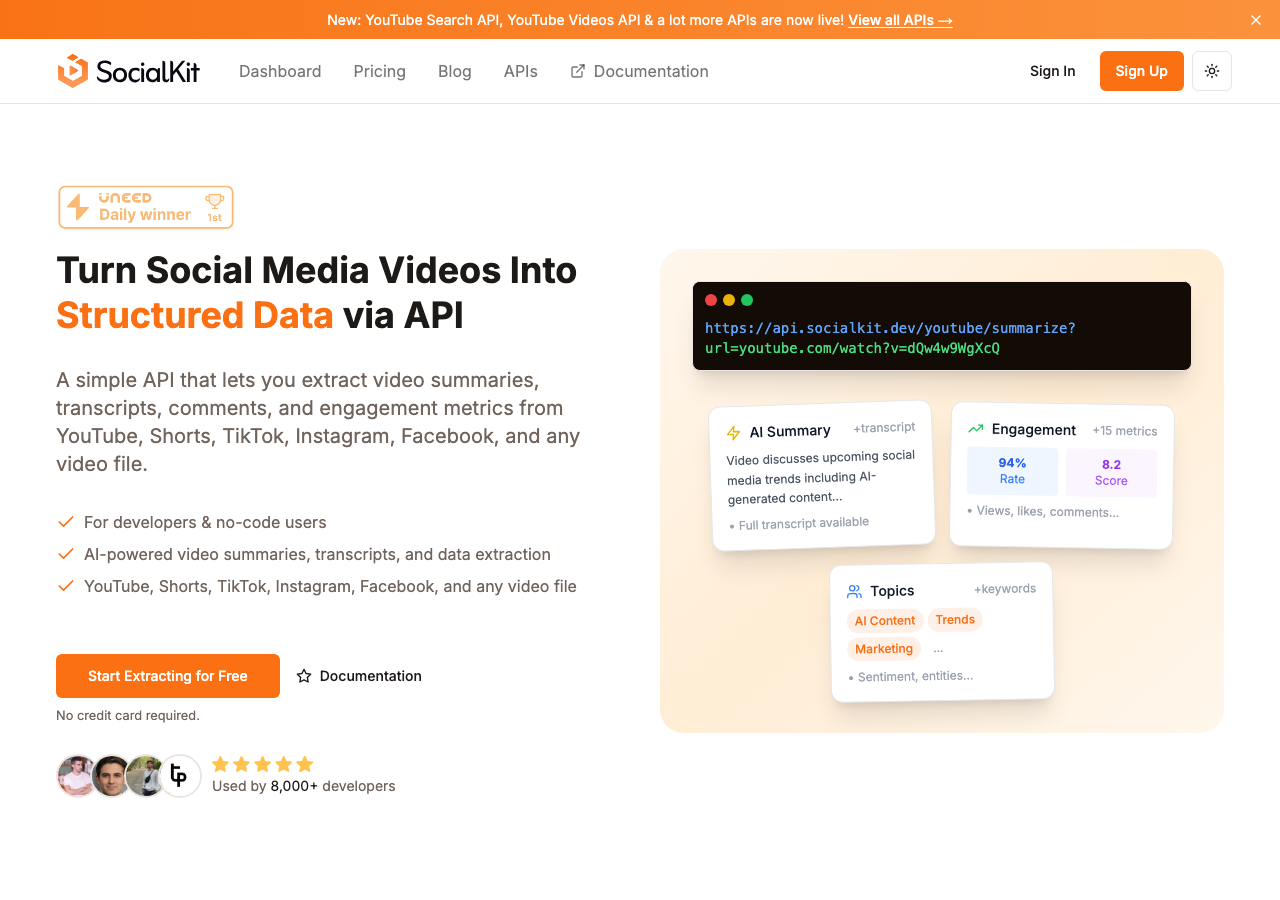
SocialKit is the most complete YouTube comment tool in this list. It is built specifically for developers, analysts, and no-code users who need reliable, structured access to YouTube comment data at scale, and it covers far more than just comments.
The YouTube Comments API retrieves comments from any YouTube video URL with a single API call. No OAuth setup is required, and you do not need to authenticate as the video owner. You pass a video URL, and SocialKit returns a structured JSON response with comment text, author details, like counts, reply counts, timestamps, and threading. The API handles pagination automatically, so you can retrieve large comment sections without managing cursor logic yourself.
Beyond raw comment retrieval, SocialKit includes a YouTube Comments Analyzer that lets you explore comment data through a clean interface. This is useful for quick lookups and one-off research without writing any code. For teams that prefer a visual starting point, the free YouTube Comment Viewer lets you browse and search comments for any public video.
What distinguishes SocialKit from narrower comment tools is the depth of the surrounding ecosystem. When you are analyzing a video's comment section, you often also want the video's transcript, engagement metrics, and an AI-generated summary of what the video is actually about. SocialKit provides all of this. The YouTube Transcript API extracts full transcripts with timestamps. The YouTube Summarizer API generates AI-powered summaries of video content. The YouTube Stats API returns view counts, like counts, and other engagement data. All of these are accessible with the same API key and the same single-call pattern.
SocialKit also supports YouTube Shorts through dedicated endpoints. The YouTube Shorts Comments API works the same way as the standard comments API, which matters as Shorts has become a major content format with its own active comment sections.
For no-code users, SocialKit integrates with Zapier, Make, and n8n. This means you can build automated workflows that collect comments from new videos, push them into a Google Sheet, run sentiment analysis, or trigger alerts, all without writing a single line of code. The platform also supports use cases like sentiment analysis, market research, UGC analysis, and content ideation.
Beyond YouTube, SocialKit covers TikTok, Instagram, and Facebook with the same unified API structure. If your research spans multiple platforms, you are not managing separate integrations for each one.
Key Features:
- YouTube Comments API with no OAuth requirement
- Full pagination for large comment sections
- Structured JSON output with author details, like counts, timestamps, and threading
- Free YouTube Comment Viewer for browser-based access
- YouTube Comments Analyzer for filtering and exploration
- YouTube Shorts Comments API
- AI-powered video summaries and transcript extraction
- No-code integrations with Zapier, Make, and n8n
- Coverage across YouTube, TikTok, Instagram, and Facebook
Pricing: SocialKit offers a free tier and paid plans based on usage volume. See the pricing page for current details.
Verdict: SocialKit is the strongest option in this list. The combination of a clean API, free browser tools, no-code compatibility, and support for transcripts and summaries alongside comments makes it the most complete solution for anyone who needs to work with YouTube comment data seriously.
2. Supadata
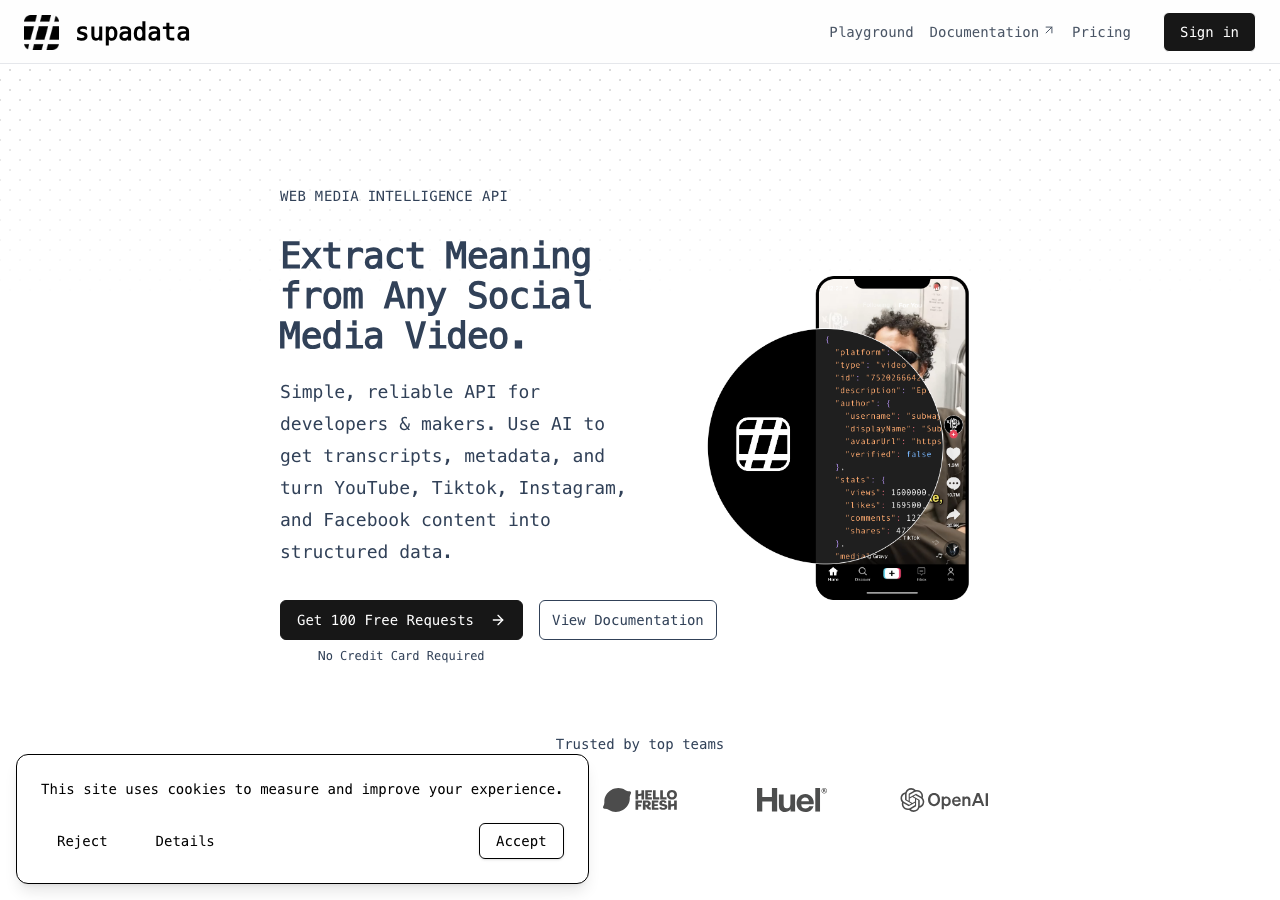
Supadata is a data API platform that includes YouTube comment extraction as part of a broader set of YouTube data endpoints. It is primarily developer-facing and provides structured access to YouTube video data, transcripts, and comments through a REST API.
For comment retrieval, Supadata returns structured data including comment text, author information, and engagement counts. The API is reasonably well-documented and works for developers who are comfortable building their own pipelines on top of raw data.
The platform uses a credit-based pricing model. The Basic plan starts at $5 per month for 300 credits. The Pro plan runs $17 per month for 3,000 credits. The Mega plan is $47 per month for 30,000 credits, and larger plans go up to $297 per month for 300,000 credits and $897 per month for 1,000,000 credits. Auto-recharge is available on Pro and higher tiers.
Supadata covers YouTube transcripts in addition to comments, which is useful if you need both data types. However, it does not provide AI-powered summarization or built-in analysis features, so any intelligence layer needs to be built separately.
The platform is focused on API access and does not include browser-based viewer tools or no-code integrations, making it a better fit for developers than analysts or non-technical users.
Key Features:
- YouTube comments API
- YouTube transcript extraction
- Credit-based pricing with auto-recharge
- REST API with documentation
Pricing: Starts at $5/month for 300 credits. Scales to $897/month for 1,000,000 credits.
Verdict: Supadata is a reasonable API option for developers who need comment and transcript data and are comfortable building their own analysis layer on top. It lacks the built-in analysis features, free viewer tools, and no-code integrations that make SocialKit more versatile.
3. ScrapeCreators
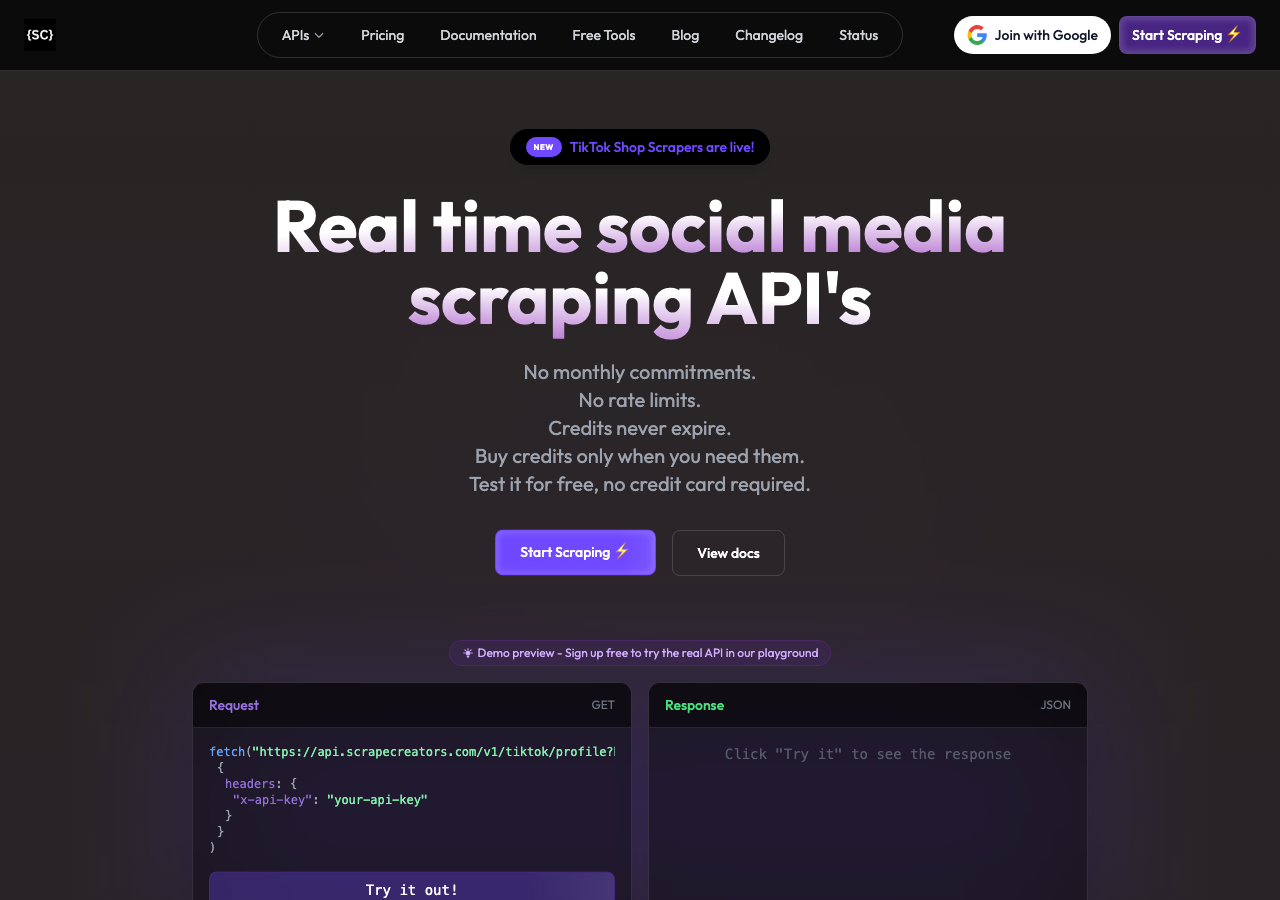
ScrapeCreators is a social media scraping API that supports YouTube alongside other platforms. It provides programmatic access to YouTube video data and comments, with a focus on raw data extraction rather than analysis or summarization.
The API is designed for developers building data pipelines and returns structured responses with comment content and basic metadata. ScrapeCreators covers multiple social platforms, which can be an advantage if you need a single integration point for cross-platform data collection.
One limitation is that the platform leans heavily toward raw scraping rather than structured data products. There are no built-in analysis features, no AI summarization, and no free browser-based tools for non-technical users. Documentation quality and endpoint reliability have been mixed based on developer feedback.
ScrapeCreators does not publish clear pricing on its website, which makes it harder to evaluate compared to alternatives with transparent rate cards.
Key Features:
- YouTube comments extraction
- Multi-platform support
- REST API
Pricing: Not publicly listed. Contact required.
Verdict: ScrapeCreators is an option for developers who need multi-platform scraping and are comfortable with variable reliability. The lack of transparent pricing, built-in analysis features, and no-code support makes it a harder sell compared to more complete solutions.
4. DumplingAI
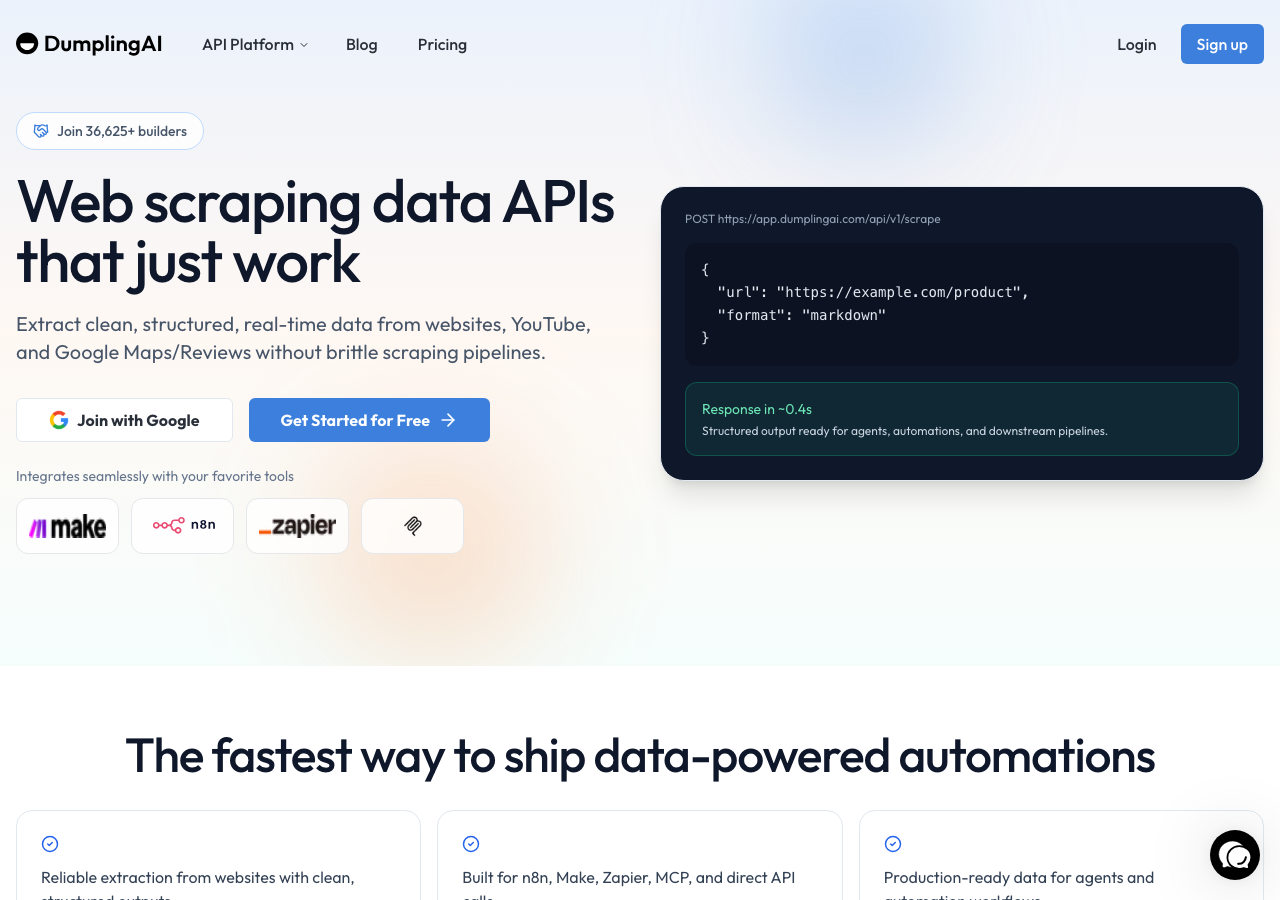
DumplingAI is an AI-focused data platform that includes YouTube data extraction as part of a broader set of tools. It offers comment retrieval alongside transcript extraction and some AI processing capabilities.
The platform is positioned more toward business users than developers, with a focus on making data accessible without requiring deep technical knowledge. DumplingAI includes some built-in AI features that can process extracted content, which is a step above pure extraction tools.
However, the pricing structure is notably higher than alternatives. Plans start at $49 per month and go up to $299 per month, with a $10 entry option for limited use. For teams that need high-volume comment extraction, these price points add up quickly.
The platform's API coverage is narrower than SocialKit's, and the no-code integration options are more limited. DumplingAI does not offer the same depth of structured output or the same breadth of platform coverage.
Key Features:
- YouTube comment extraction
- Transcript extraction
- Some AI processing features
- Business-user-friendly interface
Pricing: $49/month, $149/month, $299/month. Entry option at $10.
Verdict: DumplingAI works for business users who want a managed, AI-assisted data tool and are not price-sensitive. For developers or teams that need scale and flexibility, the pricing and API limitations make it less competitive than SocialKit.
5. Commentviewer
Commentviewer is a free browser-based tool for viewing YouTube comments. It has been around for several years and remains a popular option for quick, manual comment lookups.
The tool works simply: you paste a YouTube video URL or ID, and it loads the comment section in a sortable, filterable interface. You can sort by top comments or newest, search by keyword, and browse through paginated results. It is free to use and requires no account or API key.
The primary limitation of Commentviewer is that it is a manual, browser-only tool. There is no API, no export functionality worth noting, and no analysis or summarization features. It is useful for one-off research or quick browsing, but it does not scale. If you need to analyze comments across dozens of videos or integrate comment data into a workflow, Commentviewer quickly hits a wall.
It also does not cover any platform other than YouTube, and its depth of data (no author statistics, no cross-video comparison, limited threading) is minimal compared to API-based solutions.
Key Features:
- Free browser-based YouTube comment viewer
- Sort by top or newest
- Keyword search
- No account required
Pricing: Free.
Verdict: Commentviewer is a good starting point for manual research and quick lookups. It is not a viable option for any workflow that requires scale, automation, or deeper analysis.
Pricing: Free (community project).
Verdict: An interesting experiment in comment analysis, but not suitable for production use or any workflow requiring reliability and scale.
Quick Comparison Table
| Tool | API Access | Comments Analysis | AI Summaries | Transcripts | No-Code Support | Multi-Platform | Pricing |
|---|---|---|---|---|---|---|---|
| SocialKit | Yes | Yes | Yes | Yes | Yes (Zapier, Make, n8n) | Yes | Free + paid tiers |
| Supadata | Yes | No | No | Yes | No | Limited | From $5/month |
| ScrapeCreators | Yes | No | No | No | No | Yes | Not listed |
| DumplingAI | Yes | Limited | Limited | Yes | Limited | Limited | From $49/month |
| Commentviewer | No | No | No | No | No | No | Free |
Which Should You Choose?
The right tool depends on what you are trying to accomplish and how much technical capability you have available.
If you are a developer building a production pipeline, SocialKit is the clearest choice. The YouTube Comments API returns clean, structured data with a single call, there is no OAuth complexity, and the surrounding ecosystem of transcript and summarization endpoints means you can build a complete video intelligence layer without stitching together multiple vendors. If you want to see how it fits with automation tools, the n8n integration guide walks through a full sentiment analysis workflow.
If you need a quick, free browser tool for manual research, Commentviewer is a reasonable starting point. It does what it advertises and requires no setup. Just do not expect to scale beyond a handful of videos.
If you are a non-technical analyst or marketer, SocialKit's free YouTube Comment Viewer gives you browser access without the limitations of Commentviewer, and the no-code integrations mean you can automate collection into a spreadsheet or dashboard when you are ready to go further.
If your budget is limited, SocialKit's free tier and low-cost entry plans give you more capability per dollar than DumplingAI, which starts at $49 per month for a feature set that is narrower than SocialKit's. Supadata is reasonably priced for developers but lacks the analysis features that make comment data immediately actionable.
If you are researching across multiple platforms, SocialKit's unified coverage of YouTube, TikTok, Instagram, and Facebook means you are working with one API and one credential setup rather than managing separate integrations.
If you need AI-powered summarization alongside comments, SocialKit is the only tool in this list that provides it natively. The YouTube Summarizer API lets you understand what a video is about before you even read the comments, which is useful context when you are trying to interpret audience reaction. The combination of transcript data from the YouTube Transcript API and comment data from the YouTube Comments API gives you a complete picture of both what was said in the video and how audiences responded.
For teams focused on influencer marketing or creator research, the YouTube Channel Stats API rounds out the picture by giving you channel-level metrics alongside video-level comment data.
Conclusion
YouTube comment data is genuinely valuable for research, content strategy, sentiment analysis, and audience understanding. The tools available in 2026 range from simple free viewers to full API platforms with AI-powered analysis built in.
For most users, SocialKit is the best place to start. The YouTube Comments API is fast to integrate, requires no OAuth, and returns structured data that is ready to use. The free YouTube Comment Viewer and YouTube Comments Analyzer give you browser-based access when you need it. And the surrounding ecosystem of transcript, summarization, and stats APIs means you can do more with the same integration as your needs grow.
If you are ready to start pulling YouTube comment data, visit SocialKit's APIs page to explore the full set of endpoints and get your API key.