How to Repurpose TikTok Videos into Blog Posts (Step-by-Step Guide)
If you or your team produces TikTok content regularly, you already have a library of ideas, explanations, and talking points sitting in video form. The problem is that video content is invisible to search engines and inaccessible to readers who prefer written formats. Turning those videos into blog posts is one of the most efficient ways to extend the value of work you have already done.
This guide walks through the full process, from extracting a TikTok transcript and metadata to structuring a blog post and scaling the workflow with an API. Whether you are a solo creator or a content team processing dozens of videos per week, the steps below apply.
What You Will Build
By the end of this tutorial, you will be able to:
- Extract the spoken transcript from any TikTok video automatically
- Pull engagement metrics and video metadata to inform content decisions
- Generate an AI-powered summary to use as a post outline or introduction
- Structure the extracted content into a publishable blog post format
- Scale the workflow programmatically using the SocialKit API
- Avoid the most common mistakes that produce low-quality repurposed content
Why Repurposing TikTok Videos Makes Sense
TikTok videos are short by design, usually between 30 seconds and 3 minutes. But that brevity is deceptive. A well-researched 90-second TikTok often contains a complete argument, a how-to process, or a defined opinion that would translate directly into a 600 to 1,200 word blog post.
The creators who produce consistently on TikTok tend to build up a backlog of content that never gets indexed or discovered outside the platform. A blog post based on that same content can rank in search, attract backlinks, and reach audiences who never use TikTok. The spoken word in the video is essentially a first draft waiting to be edited and expanded.
For content repurposing at any real scale, doing this manually is not sustainable. Watching a video, transcribing it by ear, writing up a post, and then deciding whether the content is worth the effort takes far too long per video. The workflow described here automates the extraction steps so that your time goes into editing and publishing rather than data collection.
Step 1: Identify Which TikTok Videos Are Worth Repurposing
Not every TikTok deserves a blog post. Before you start extracting data, you need a way to filter your content library by quality and relevance.
The most useful signals are:
- View count relative to your average (high-performing videos have already proven their appeal)
- Comment volume, which indicates the topic resonated and generated discussion
- Topic clarity, meaning the video makes a single coherent point rather than multiple scattered ones
To get this data programmatically, you can use the SocialKit TikTok Stats API to pull view counts, like counts, share counts, and comment counts for any TikTok video URL. This lets you sort your video archive by engagement before deciding where to invest repurposing effort.
You can also use the TikTok Comments API to read through what people are asking or saying in the comments. Comment sections often reveal the exact follow-up questions your blog post should answer, which is genuinely useful for structuring a more complete written piece.
Step 2: Extract the Transcript
The transcript is the foundation of every blog post you will produce from a TikTok video. Without accurate speech-to-text, the rest of the workflow does not function well.
With SocialKit, extracting a TikTok transcript takes a single API call. You pass the video URL and receive the spoken transcript in the response, along with the video title, description, and metadata. There is no OAuth setup, no account connection to TikTok, and no browser automation required on your end.
Here is a basic example using the SocialKit API to extract the transcript:
curl "https://api.socialkit.dev/tiktok/transcript?access_key=YOUR_ACCESS_KEY&url=https://www.tiktok.com/@username/video/1234567890"
The response includes the full spoken text with timestamps:
{
  "success": true,
  "data": {
    "url": "https://www.tiktok.com/@username/video/1234567890",
    "videoId": "1234567890",
    "transcript": "Here is the complete spoken text from the video...",
    "wordCount": 245,
    "segments": 18,
    "transcriptSegments": [
      {
        "text": "Here is the complete spoken text",
        "start": 0,
        "duration": 3,
        "timestamp": "00:00"
      }
    ]
  }
}
To get an AI summary alongside the transcript, make a second call to the summarize endpoint:
curl "https://api.socialkit.dev/tiktok/summarize?access_key=YOUR_ACCESS_KEY&url=https://www.tiktok.com/@username/video/1234567890"
You can even pass a custom_prompt parameter to tailor the summary for blog post outlining, for example: custom_prompt=Structure this as a blog post outline with section headings. The response includes summary, mainTopics, keyPoints, tone, and targetAudience fields, giving you everything you need to draft a post.
For developers building this into a pipeline, the TikTok Transcript API documentation covers the full response schema and available parameters.
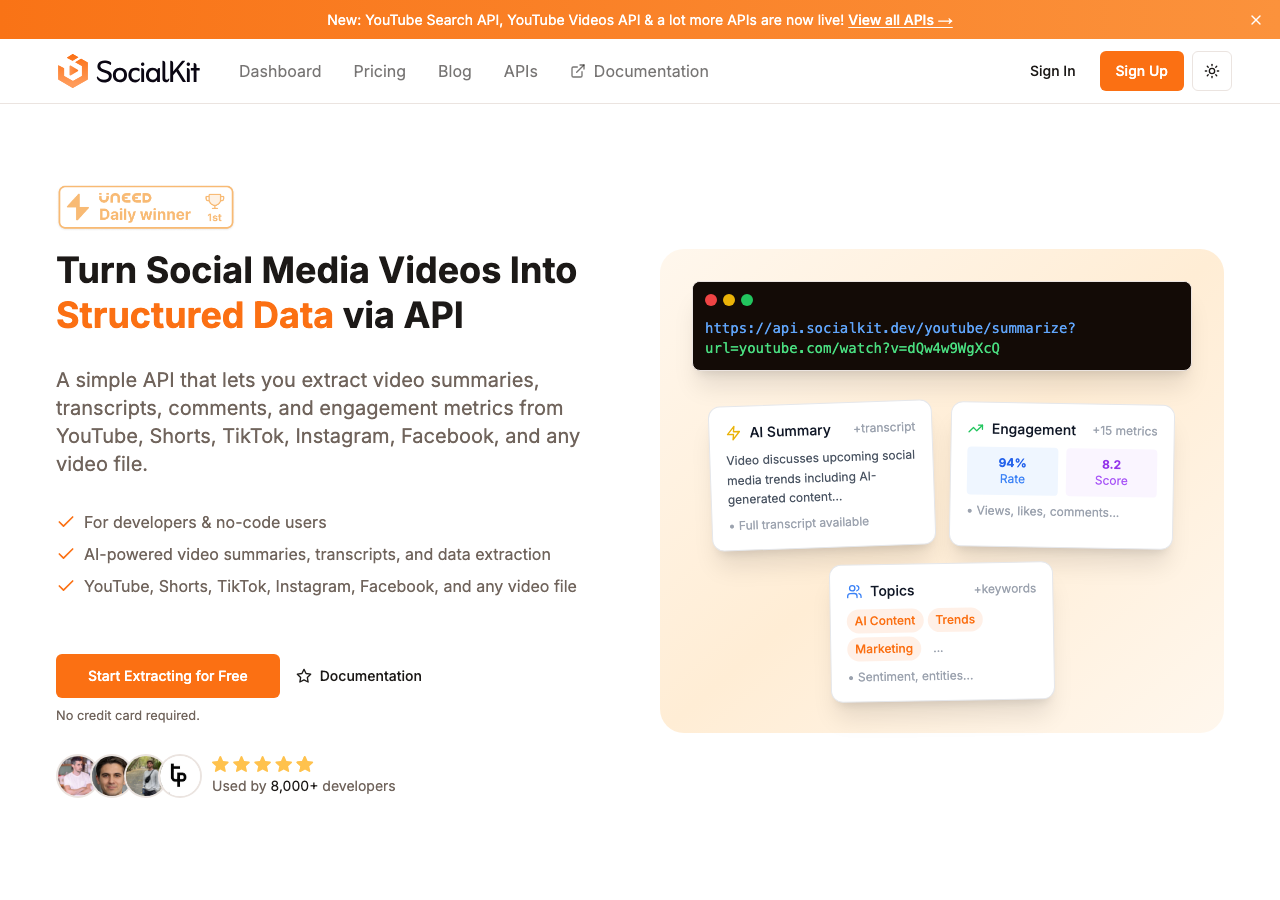
If you want to test this without writing any code first, the TikTok Transcript Extractor free tool lets you paste any TikTok URL and get the transcript back immediately in your browser.
Step 3: Use the AI Summary as a Blog Post Outline
The raw transcript is not a blog post. It is spoken language, which reads differently than written prose. Filler words, repeated phrases, and incomplete sentences all need to be removed or restructured.
The AI summary that SocialKit generates alongside the transcript is a condensed version of the key points. It functions well as either:
- A blog post introduction, giving readers a one-paragraph overview before the full content
- A working outline, showing the main ideas you can expand into sections
The TikTok Summarizer API generates these summaries automatically as part of the same API call, so there is no second request or additional processing step needed.
A typical workflow looks like this:
- Use the summary as your blog post introduction, lightly edited for written tone
- Break the transcript into logical sections based on topic shifts
- Write a short explanatory paragraph for each section to add context that the video could not include
- Add a header and a conclusion that points to related content or a call to action
The result is a post that is grounded in the original video content but expanded enough to stand on its own as a written piece.
Step 4: Enrich the Post with Comments and Context
One of the advantages of repurposing from TikTok is that you have access to real audience reactions before you write a single sentence. The comments on a popular TikTok tell you what questions people had, what points they disagreed with, and what they found most useful.
Pulling those comments with the TikTok Comments API gives you raw material for an FAQ section or a "common objections" part of the post. If ten people in the comments asked the same follow-up question, that question should probably be answered somewhere in your blog post.
You can also use comment sentiment to calibrate the tone of the written version. If the original video was controversial or sparked debate, the blog post can acknowledge that and address opposing views directly, which tends to produce more thorough and useful content.
For teams working on sentiment analysis at scale, this comment extraction step can be automated as part of the same pipeline that pulls transcripts, so both datasets arrive together.
Step 5: Structure the Blog Post
Here is a practical structure that works well for TikTok-to-blog conversions:
Title: Use the core claim or instruction from the video. If the TikTok was titled "Why most people fail at X," the blog post can use that same frame.
Introduction (from AI summary): A two to three sentence overview of what the post covers and why it matters.
Main body (from transcript sections): Divided into three to five sections based on the natural structure of what was said in the video. Each section gets a heading and a short paragraph of added explanation.
FAQ or "What people are asking" section (from comments): Two to four questions pulled from the comment section with brief written answers.
Conclusion: A short summary and a link to related content or a next step.
This structure keeps the post close to the original video while adding enough written depth to make it useful as a standalone piece. It also gives search engines clear structure through headings, which helps with indexing.
Step 6: Scale the Workflow with Automation
If you are repurposing more than a few videos per week, running API calls manually is not practical. The better approach is to build a trigger-based automation that processes new videos as they are published.
SocialKit integrates with no-code platforms including Zapier, Make, and n8n. A basic automation might look like this:
- A new TikTok video is published (trigger in Zapier or Make)
- The video URL is sent to the SocialKit API (action)
- The transcript and summary are returned
- The data is passed to a writing tool or CMS (action)
- A draft blog post is created automatically (final step)
This kind of pipeline means your content team receives a structured draft in their CMS within minutes of a video going live, rather than waiting for a manual extraction process. For teams exploring automation workflows, this is one of the more immediate applications.
The SocialKit API works the same way across YouTube, TikTok, Instagram, and Facebook, so if your content team publishes across multiple platforms, a single integration handles all of them.
The workflow described in this guide, using a single API call to retrieve transcript, summary, and engagement data, removes the most time-consuming steps from the repurposing process. The remaining work, editing, structuring, and publishing, is where your content judgment matters most.
If you want to try this workflow without writing any code, the TikTok Video Data Extractor free tool gives you immediate access to the transcript, summary, and stats for any TikTok video. From there, the SocialKit APIs documentation covers everything you need to build this into a production pipeline.
For teams working across multiple platforms, the same API handles YouTube, TikTok, Instagram, and Facebook, so a single integration covers your full content library. See the use cases page for more examples of how teams are using structured video data to scale their content operations.